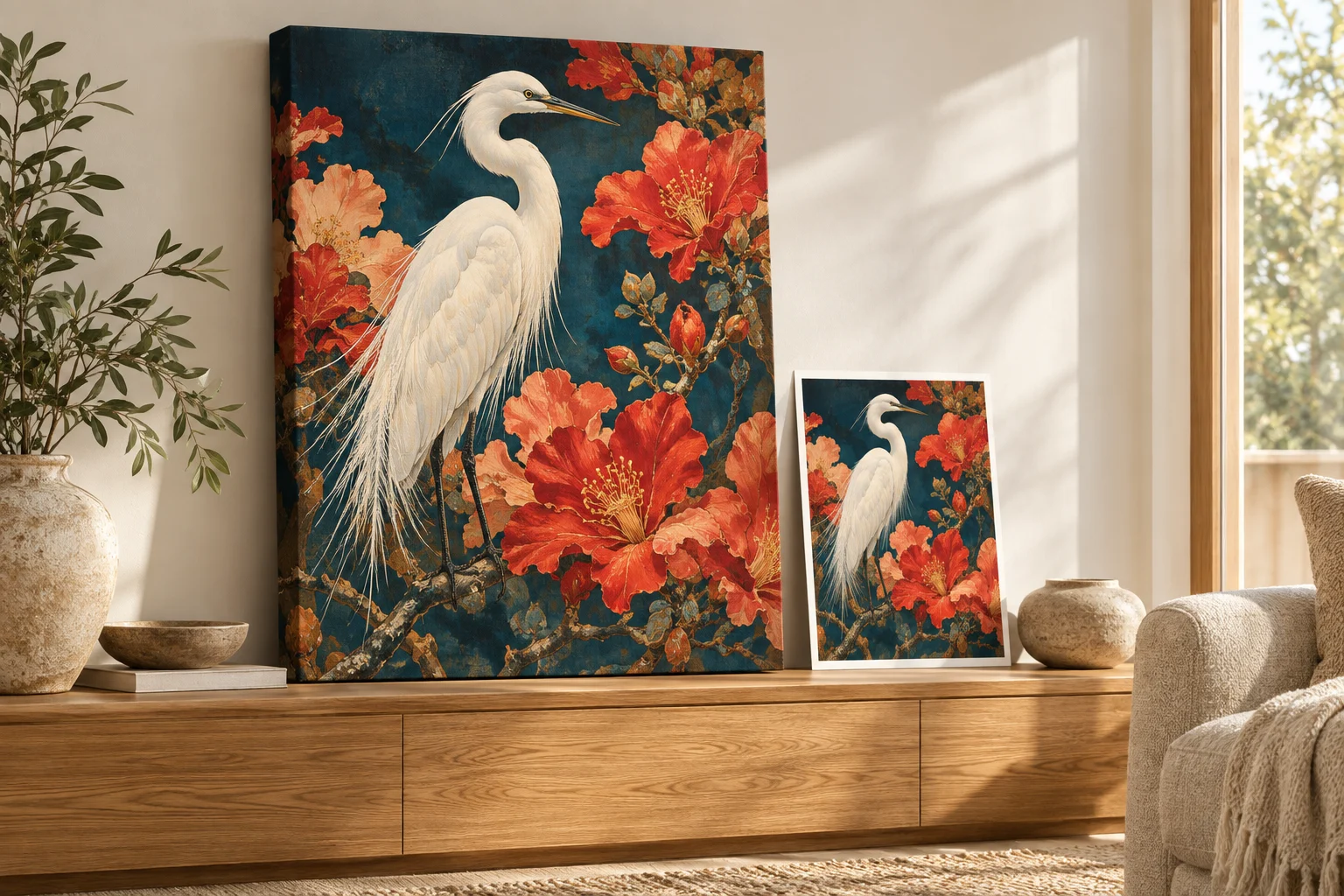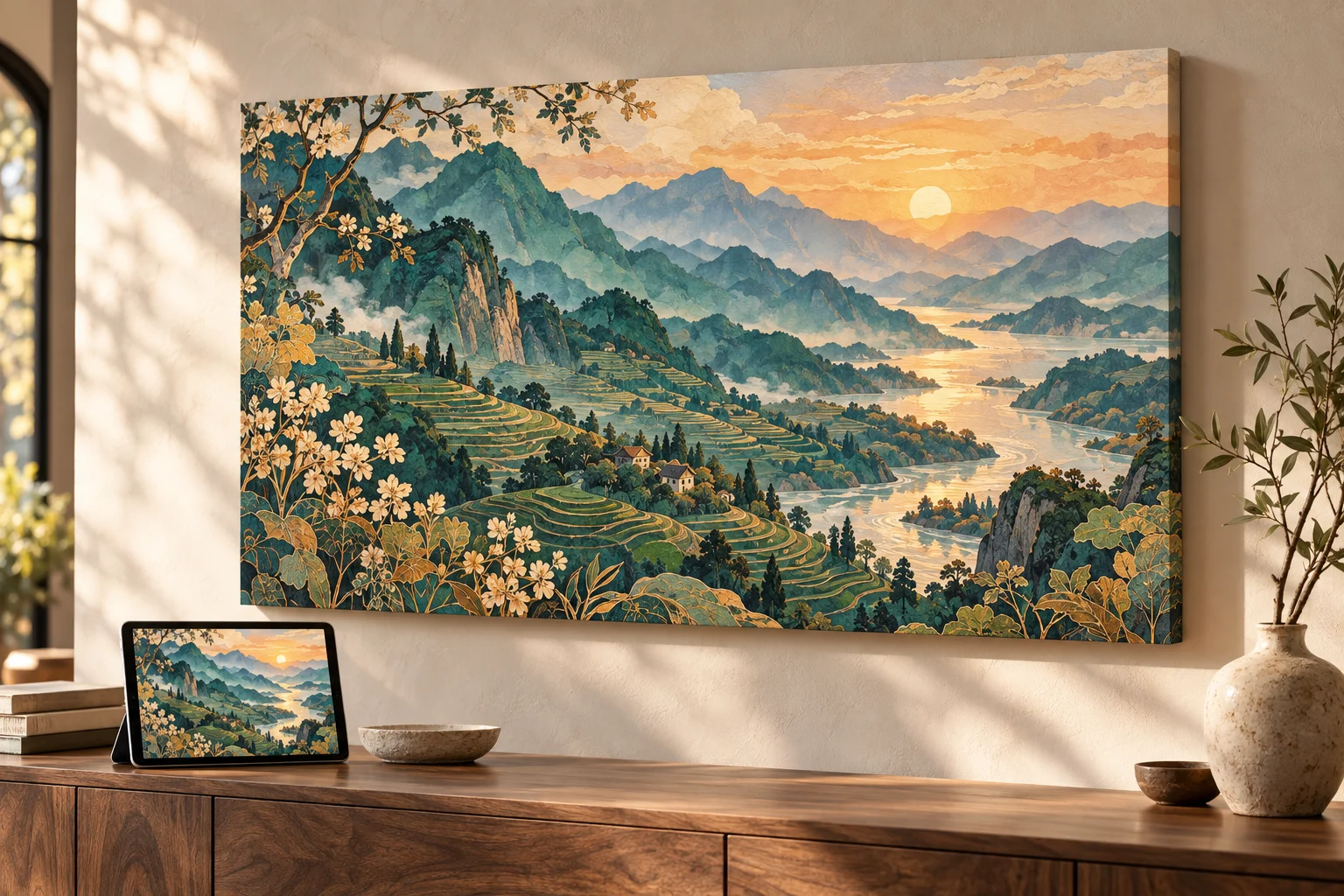
Yes, you can print images created or edited in Gemini, including images made with Nano Banana. Download the full-size file, choose a physical product, and review the image placement. Your original pixel count is a starting point, not a hard limit on the size you can print.
Automatic AI upscaling is included with every order. Upload your best original. We prepare it for the selected product and print area, so you do not need to buy an upscaler or manually enlarge the file. AI upscaling can support much larger prints and improve apparent sharpness and detail. Severe blur, missing information, or incorrect generated text still need attention.
Download the full-size image from Gemini
- Finish your edits and open the image you actually want to print.
- In the Gemini web app, hover over the image and choose Download full size.
- In the mobile app, touch and hold the image and select Save.
- Open the downloaded file and inspect faces, lettering, and important details.
Google documents these controls in its Gemini image help. Save the file itself rather than a screenshot or a shared conversation link. Avoid sending it through a messaging app that compresses images before uploading.
Choose the product before adjusting the image
A wide imaginary landscape can become a canvas above your desk. A bold pet character can become a daily coffee mug. A detailed illustration can become a poster you frame yourself. Match the object's shape to the image's composition.
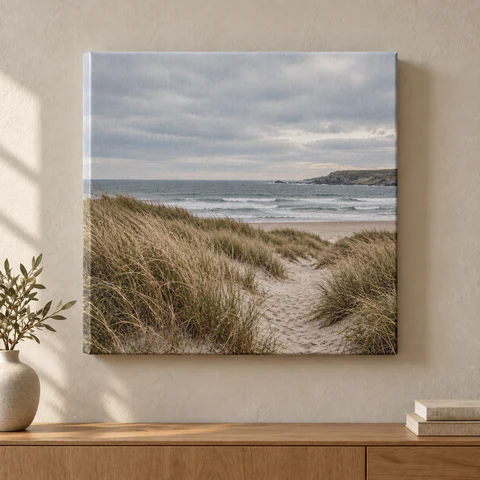
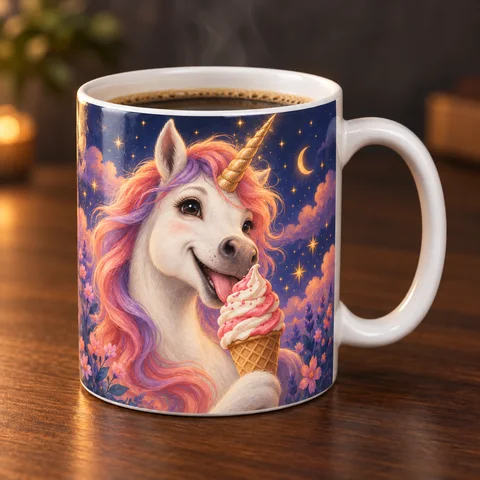
Illustrative product images from our catalog. Choose a product, then add your own image.
How big can a Gemini or Nano Banana image print?
Check the file you downloaded rather than assuming one fixed output size. Model, mode, and export settings can change. For a resolution calculation, divide pixels by inches. A 2,048-pixel edge across 16 inches is 128 PPI before preparation.
For illustration, enlarging a 2,048 × 2,048 source 4× produces 8,192 × 8,192 pixels. At 300 PPI that corresponds to about 27.3 inches square before cropping. This is a calculation, not a promise that every source should be printed that large or that every order uses a 4× setting. Included upscaling and preparation are matched to your product.
See the print-resolution reference if you want the numbers. You do not need to calculate them to order.
Keep the best part of the image inside the print area
If a square image fills a 2:1 landscape area without stretching, only half its height remains. A face near the top can disappear even when the file has plenty of pixels. Choose a compatible product shape or revise the composition with extra background around the subject.
- Canvas: allow room for wrapped sides and keep faces away from the edges.
- Mug: use a strong focal point and inspect where it falls around the handle.
- Poster: choose portrait or landscape to suit the image and the space where it will hang.
Order in four steps
- Choose your product.
- Select its size and other options.
- Add the downloaded image and review placement. You control the crop.
- Check price and shipping, then pay. Automatic AI upscaling and print preparation are included.
Questions before uploading
Which file types can I use?
PNG, JPEG, and WebP, up to 10 MB. Upload the cleanest original you have. A conversion cannot restore information already lost to compression.
Will upscaling fix a misspelled name or an incorrect face?
Not reliably. Correct meaningful details in the image before ordering. Upscaling can improve an enlargement but does not verify the content of the design.
Do I need to use Gemini?
No. You can upload an image from another source, or create one during PrintAIArt's design step. For ChatGPT-specific download help, see our ChatGPT printing guide.
Choose a canvas and add your image.
About this guide
Prepared by PrintAIArt, a seller of personalized printed products. Product options and upload requirements were checked against the current catalog and ordering flow on September 30, 2026. Product scenes are illustrative mockups, not evidence of a physical print test. Final preparation and fulfillment include operational review. Contact us about your image or a correction.