
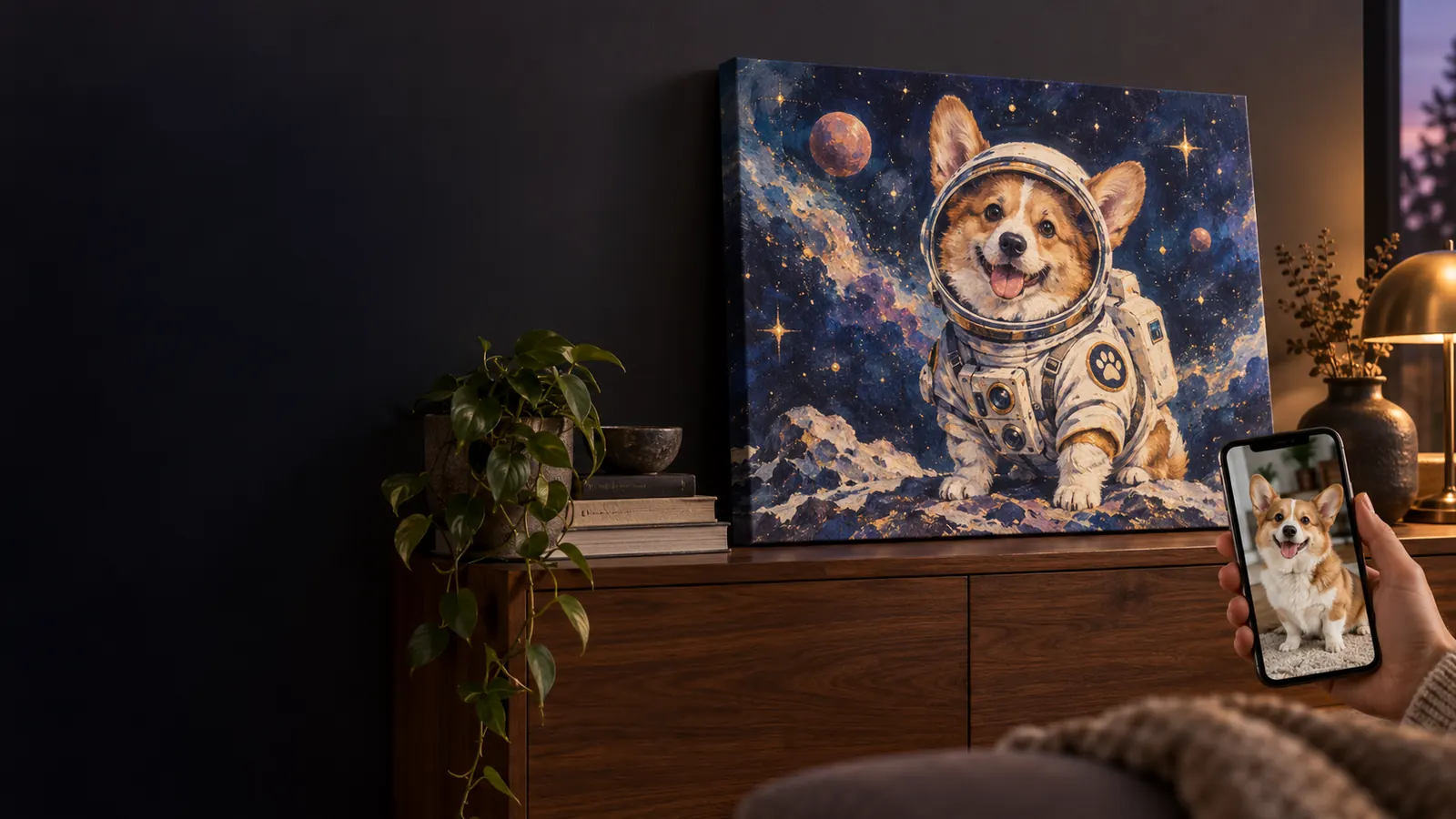
That idea?
Make it real.
Your dog as an astronaut. Their drawing on the sofa. Turn an image or a wonderfully odd idea into something you’ll use, keep or give.
Choose a product Here’s how it comes together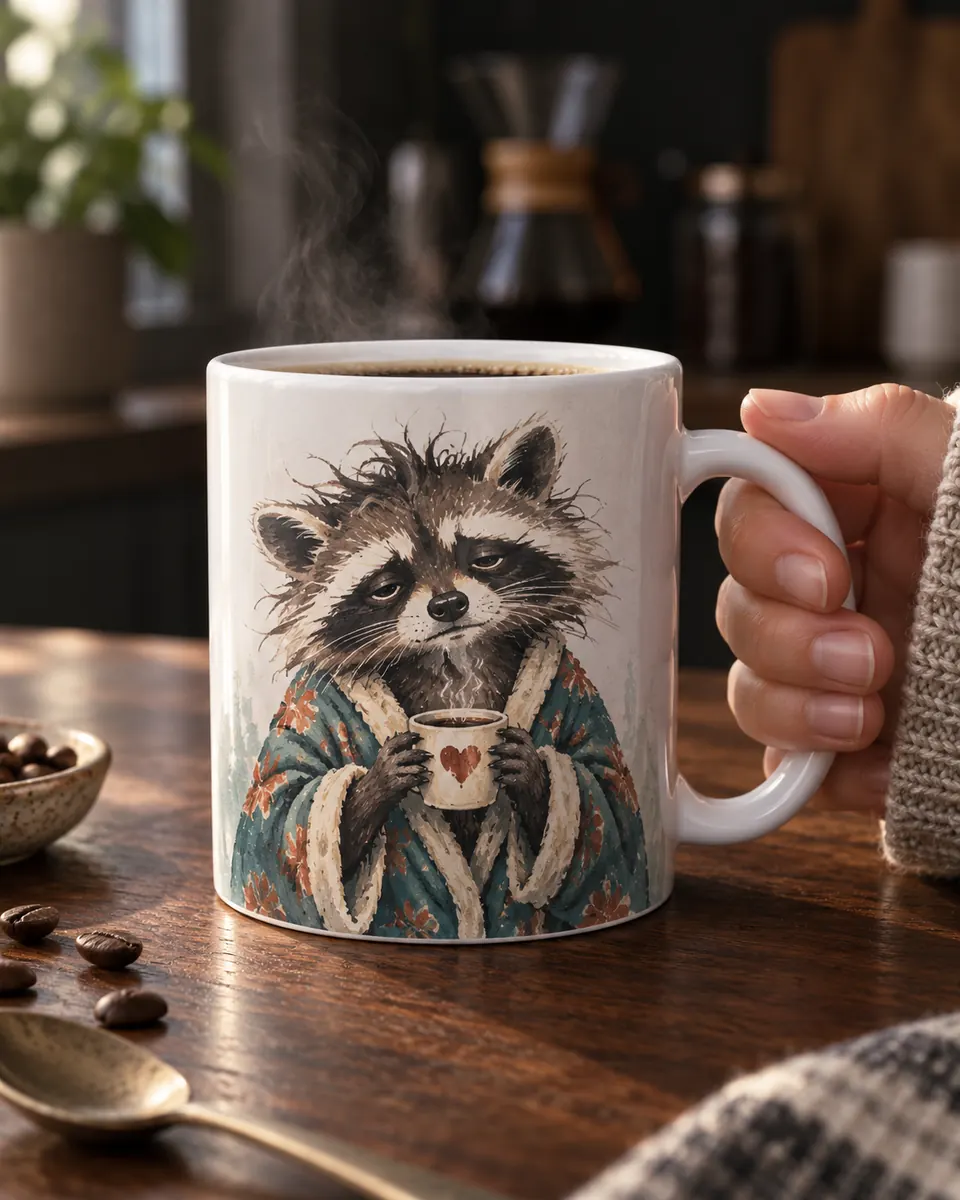
First, give your
idea a home.
A daily ritual. A blank wall. A gift that makes them laugh. Choose where your idea belongs, then pick the available size, color and options.
Ceramic Mug
A little character with your coffee.
Matte Canvas Print
A very personal view from the sofa.
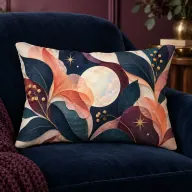
Photo Lumbar Pillow
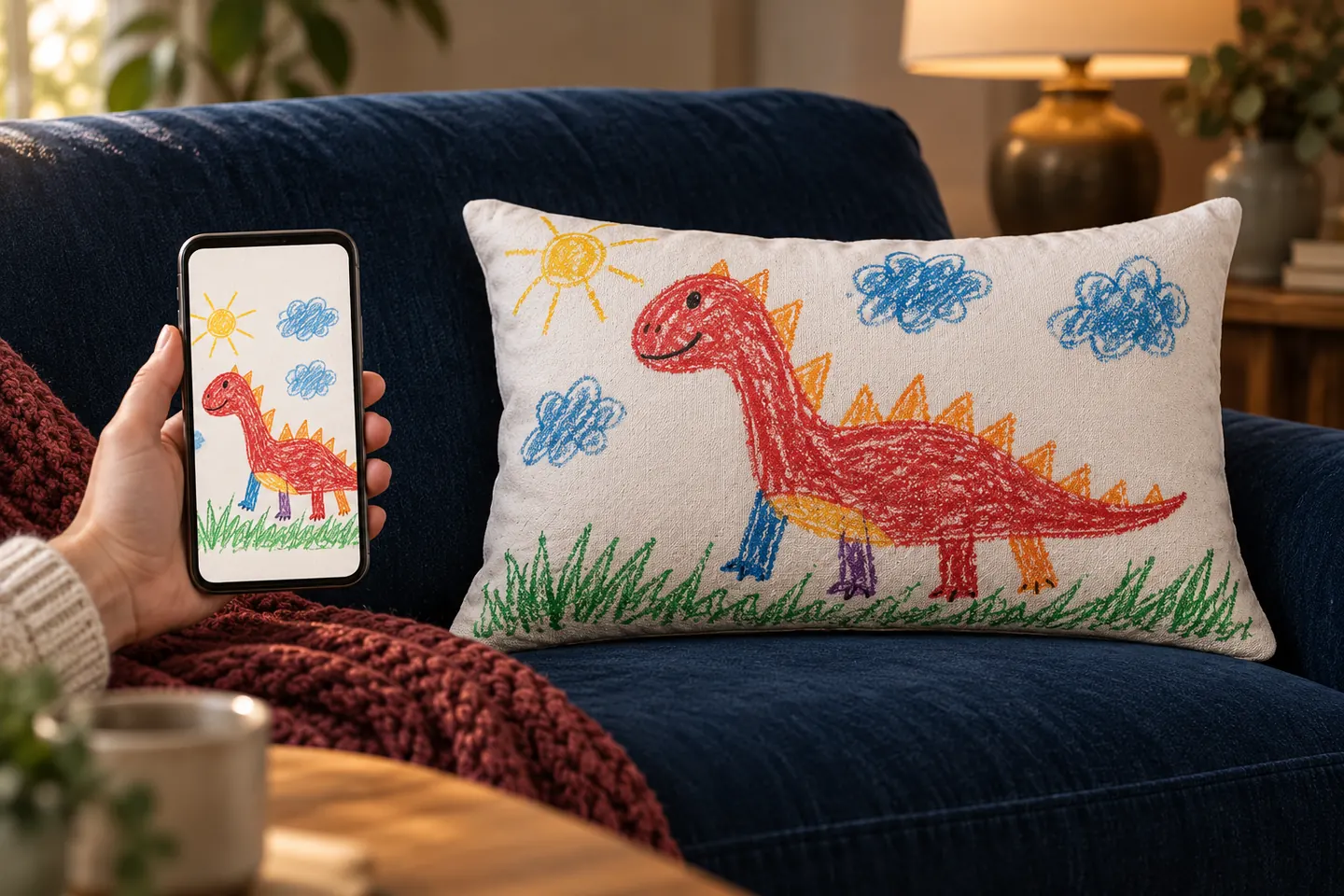
Their drawing. Your favorite corner.
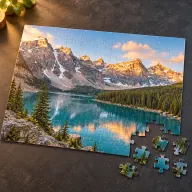
Photo Jigsaw Puzzle
A memory worth piecing together.
A photo. A doodle.
A “what if?”
You don’t need a finished plan.
Just a starting point that means something to you.
You decide what
makes the cut.
Your image opens in the flat print area for your selected product. Move, resize and rotate it until the important bits sit where you want them.
Keep the whole picture.
Fit brings the entire image inside the frame. Depending on its shape, there may be space around it.
Go edge to edge.
Fill covers the print area. Some of the image may fall outside it, so check the edges.
Give the details room.
Keep faces, words and favorite details clear of the edges. Only what sits inside the bright frame will print.
The preview guides placement, not exact printed color or texture.
The pixels?
We’ll take it from here.
Automatic AI upscaling and print preparation are included with every order. We increase working resolution and prepare the image for your selected product and print area.
You don’t need to calculate DPI or enlarge the file yourself. Just start with the best original you have.
What upscaling can and can’t do
Upscaling can improve useful edges, textures and apparent detail. It cannot reliably recover information missing from a badly blurred, tiny or damaged image, or fix every distorted face or unreadable word. Final preparation and fulfillment include a review before production.
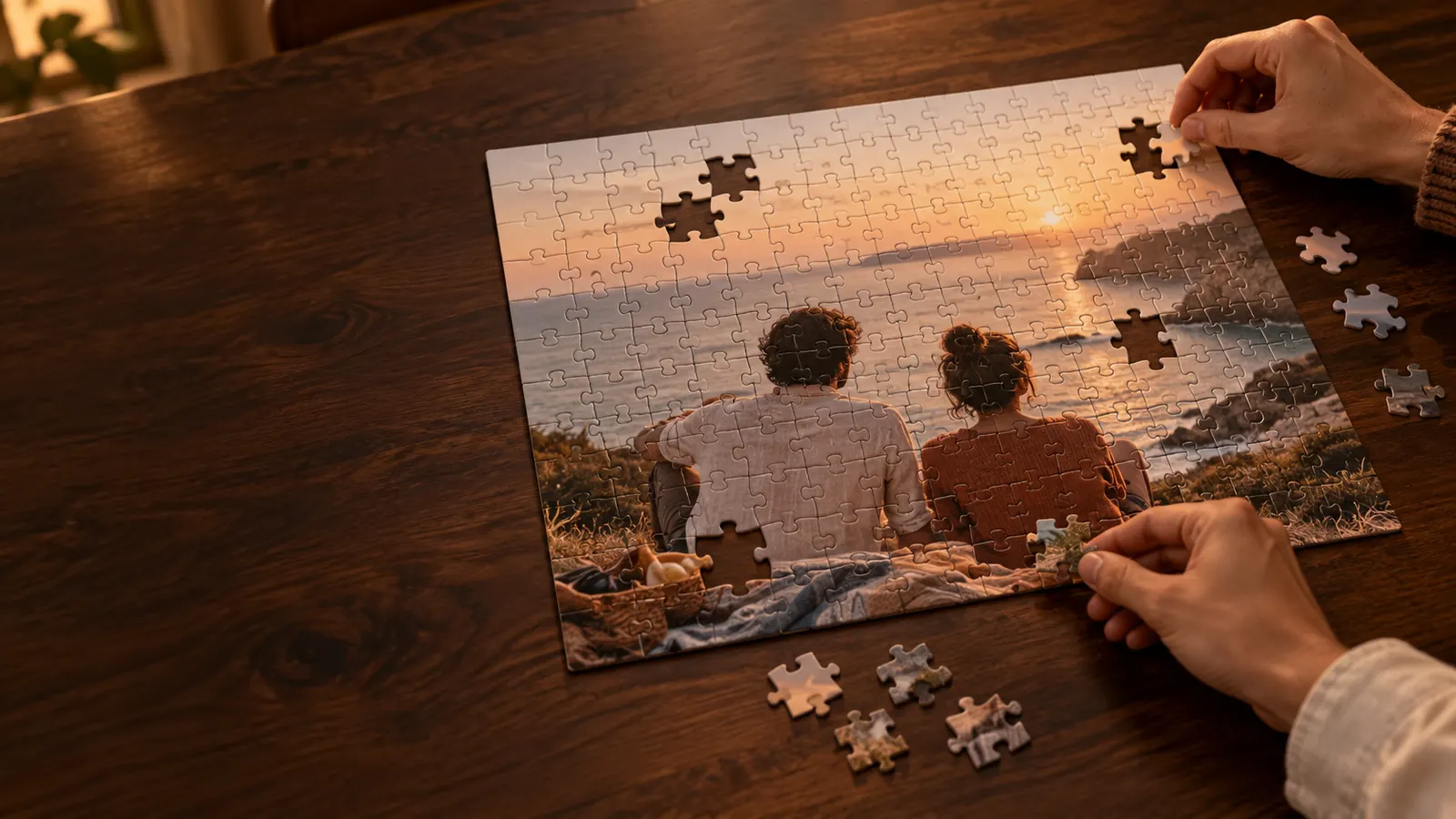
One good memory.
A whole evening.
Happy with the image and placement? Add it to your cart, check your product and shipping charges, then pay.
After payment succeeds, you’ll receive order confirmation. Your product is made to order and sent to your chosen destination.
Make something personalA few good
questions.
Have something else in mind?
Send us a message
What can I upload?
Photos, drawings, illustrations and finished designs you own or have permission to print. PNG, JPEG and WebP files up to 10 MB are supported. Start with the cleanest original file you have, rather than a screenshot or an image saved repeatedly through messaging apps.
Can I start with just an idea?
Yes. Choose your product and options, then select Create one with AI. Describe what you want and optionally add a reference image. Generation can take a few minutes. Review the result before moving on to placement; an example idea does not guarantee an identical result.
What does the placement preview show?
It shows your image inside the flat print area for your selected product. Move, resize and rotate the image, then check what falls inside the bright frame. The preview guides placement and cropping; it does not simulate exact printed color, texture or the finished product.
What will I pay?
The price for your selected product and options is fixed in USD. Review product and shipping charges before payment. Optional additional print areas, where available, are included in your configured product price.
Where do you deliver, and how long does it take?
Available destinations, shipping cost and estimated timing depend on the product and delivery country. Check the product and shipping information before ordering. Production and transit times vary, so allow extra time for a date-sensitive gift.