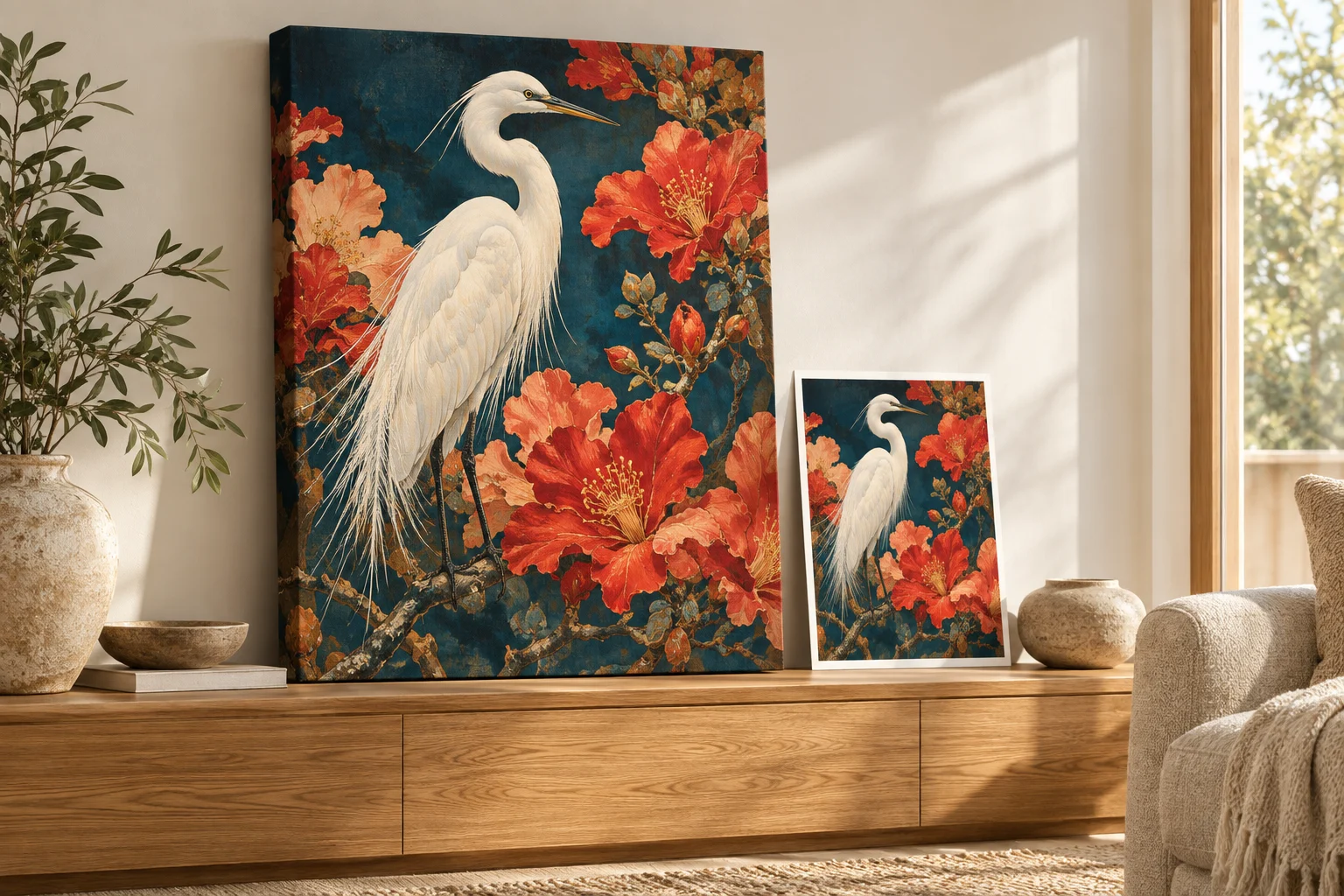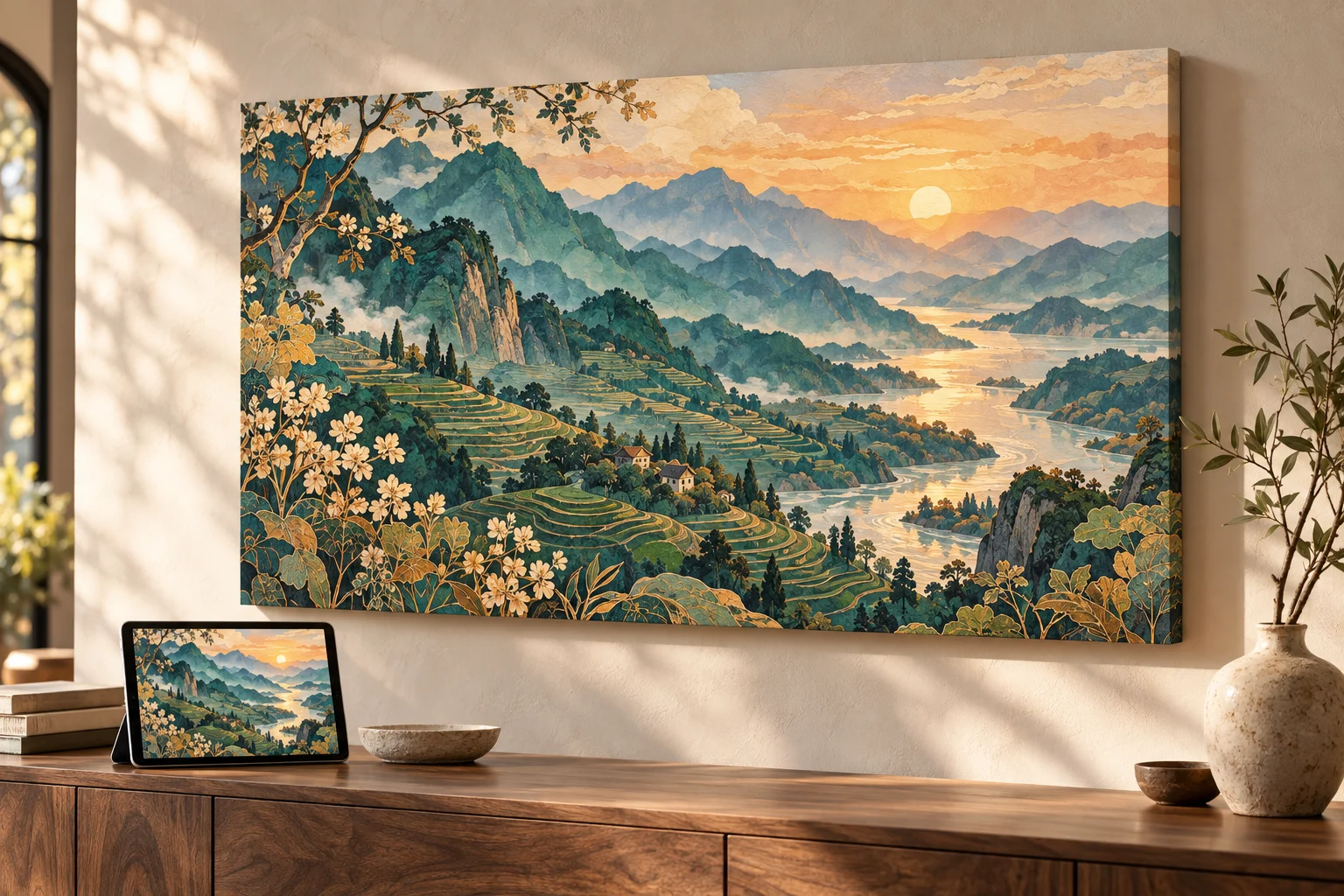
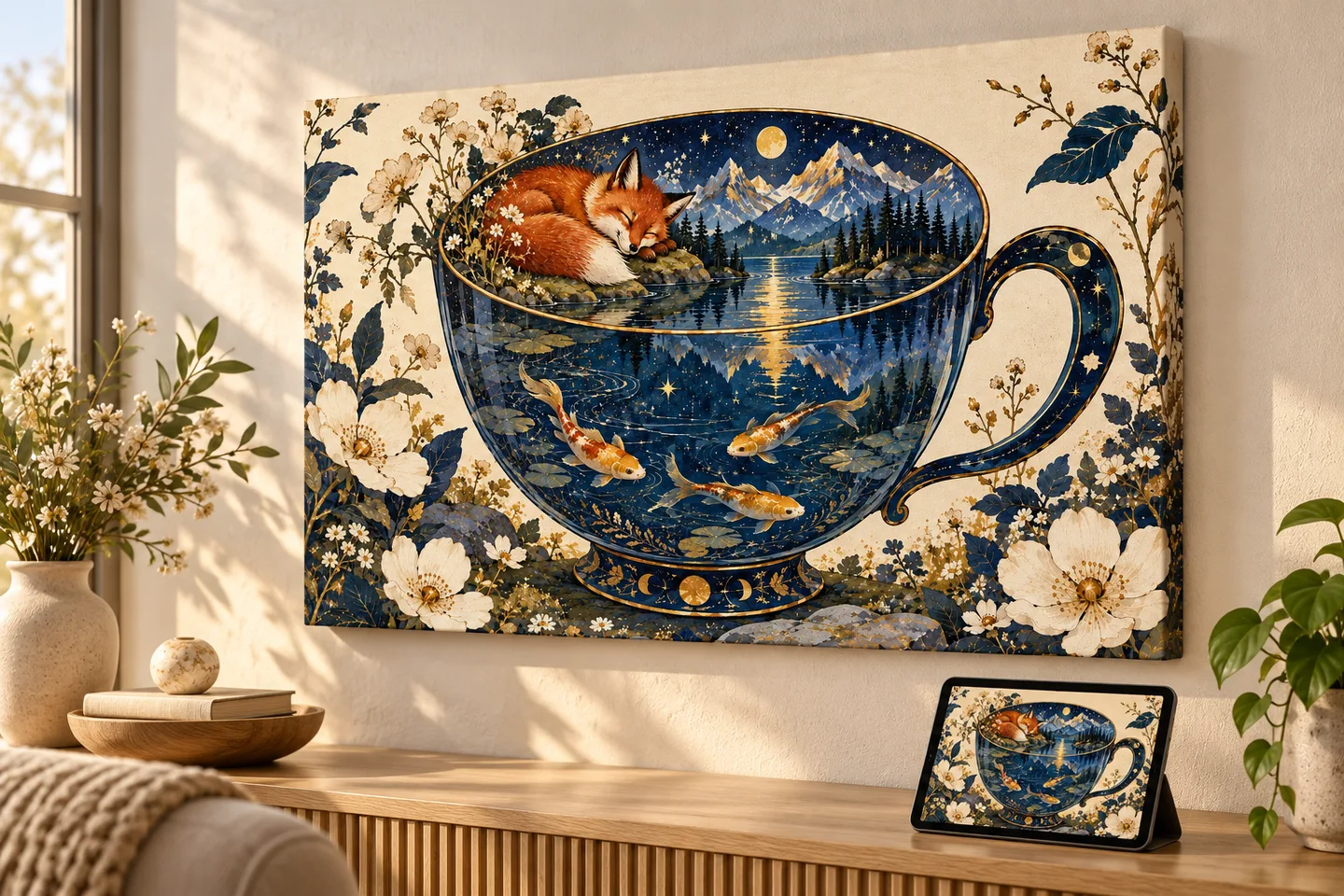
The header image is an AI-generated illustrative mockup, not a photographed print sample. This guide covers printing an image, rather than a ChatGPT conversation.
Yes, you can print ChatGPT images. Save the original image file, choose a print size and shape that suit it, and check the crop before ordering. An image that looks crisp on your phone can look softer when enlarged, so the file's pixel dimensions and the physical print size both matter.
PrintAIArt includes automatic AI upscaling with every order to help prepare your image for the selected product. You do not need to enlarge it yourself. Start with the best original you have: upscaling can improve useful edges and apparent detail, but cannot reliably recover information missing from a blurry or damaged source.
Love your image, but worried the file is too small? Upload the best original you have. Automatic AI upscaling and print preparation are included with every PrintAIArt order, matched to your selected product. No separate upscaler purchase or manual DPI setup is needed.
Start with a clean image and review the crop. Upscaling can help with enlargement, but cannot reliably repair severe blur or missing detail.
How to print a ChatGPT image in four steps
- Save the original image. Open the generated image in ChatGPT and use its Save control to download it. Avoid taking a screenshot of the conversation.
- Choose what you want to make. A photo poster suits an illustration you want to frame. A canvas print gives a landscape or portrait a place on the wall. A ceramic mug works well for a bold character or personal visual joke.
- Select the options, then add your image. On PrintAIArt, choose the product and size before uploading. PNG, JPEG, and WebP files are supported, up to 10 MB.
- Review placement and pay. Move, zoom, or rotate the image within the print area. Keep faces and lettering inside the boundaries. The preview shows placement, not a guarantee of physical color or sharpness. Automatic upscaling and print preparation are included with the order.
Already have your image? Choose a poster size and add it. If you are still deciding whether the file will work, use the checks below.
Download the image, not a screenshot
In ChatGPT, open the image in its conversation or in Images, then select Save. On a phone, open the image full-screen to find its controls. OpenAI documents the current options in its image-saving guide.
Use that downloaded file when ordering. Screenshots may include interface elements and capture fewer pixels than the original. Files passed through messaging or social apps may also have been compressed. Keep the original file untouched and make a copy if you want to experiment with edits.
One idea, ready to become something physical
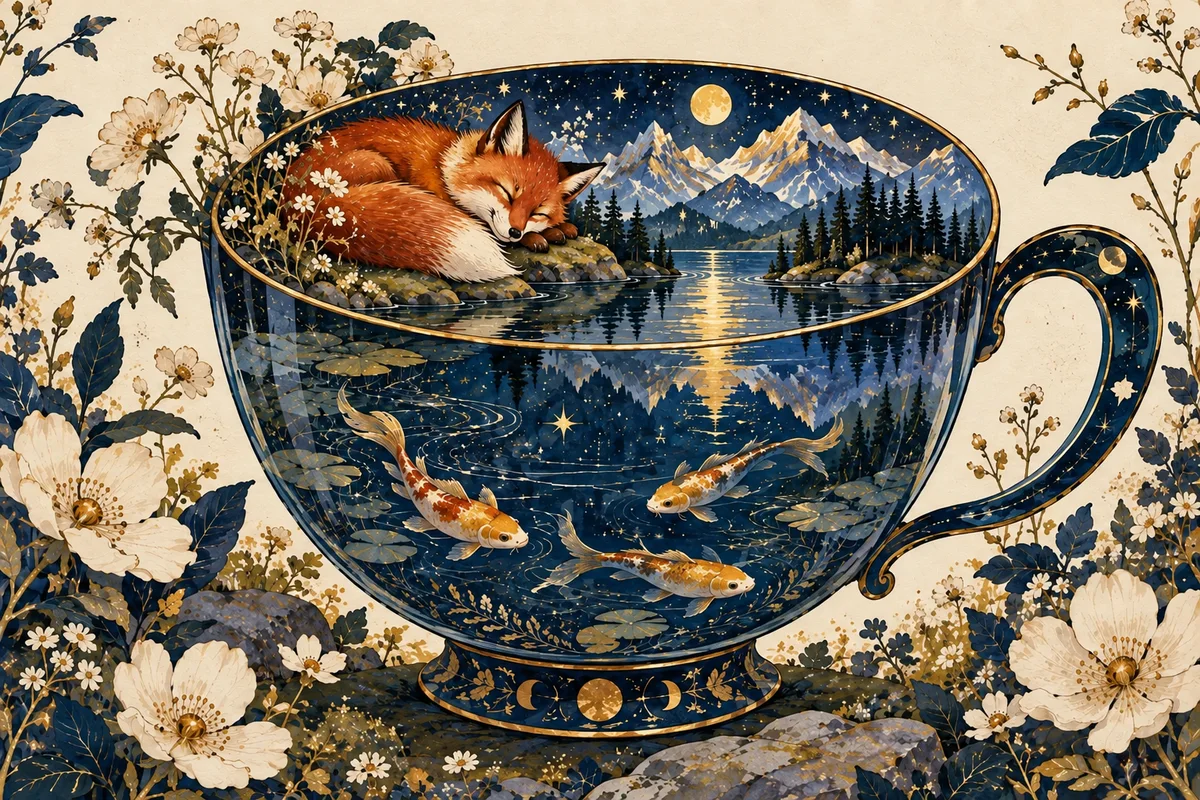
The little details make this image enjoyable, but they also make size and crop worth checking. Keep the fox, cup handle, and flowers inside the print area. A landscape composition fits a landscape product option more naturally than a tall portrait option.
How large can you print a ChatGPT image?
Your original pixel dimensions are a starting point, not a hard limit on print size. Automatic AI upscaling can make much larger prints possible while improving apparent sharpness, edges, and texture. It does more than stretch the existing pixels: it uses AI to build a higher-resolution image with enhanced detail.
That is why PrintAIArt includes automatic AI upscaling and print preparation with every order. Choose the product and size you want, then upload your best original. You do not need to buy an upscaler, calculate DPI, or manually enlarge the file first. Preparation is matched to the selected print area and includes operational review.
How much difference can upscaling make?
For a numerical example, a 1,536 × 1,024-pixel image enlarged 4× in each dimension becomes 6,144 × 4,096 pixels. At 300 PPI, that changes the calculated print dimensions from about 5.1 × 3.4 inches to 20.5 × 13.7 inches before cropping. That is four times the width and height, with sixteen times as many pixels.
This illustrates the resolution increase, not a tested print result or a fixed enlargement applied to every order. A clean source can look sharper and more detailed after AI upscaling than a simple enlargement of the original. The suitable print size still depends on the image, crop, material, and viewing distance.
Print-resolution reference, not upload requirements
The table below describes pixel dimensions at different print sizes. These are reference dimensions for the prepared print file, not pixels your original upload must already contain. Included upscaling can help bridge that gap. Sizes are illustrative, before cropping, bleed, or canvas wrap, and are not a list of available product options.
| Print size | At 150 PPI | At 300 PPI |
|---|---|---|
| 4 × 6 inches | 600 × 900 px | 1,200 × 1,800 px |
| 8 × 10 inches | 1,200 × 1,500 px | 2,400 × 3,000 px |
| 12 × 18 inches | 1,800 × 2,700 px | 3,600 × 5,400 px |
| 16 × 20 inches | 2,400 × 3,000 px | 4,800 × 6,000 px |
300 PPI is a common target for detailed prints viewed close up; lower densities can also suit larger prints viewed from farther away. The calculation is pixels divided by print size in inches = PPI. You can read more in Adobe's explanation of printed image resolution, but you do not need to perform these calculations to order from PrintAIArt.
Have an image you love? Do not rule out a larger print just because the downloaded file is small. Choose a poster size and add your original image. We handle the upscaling and preparation. If the source is severely blurred or important details are unclear, ask us about the image before ordering.
Does asking ChatGPT for “300 DPI” make the image print-ready?
The request alone is not proof. Inspect the actual downloaded file and its dimensions. PPI describes image pixels per printed inch; DPI technically describes the printer's dots. Changing a file's resolution label without adding pixels does not create detail. When ordering here, upload the best source rather than repeatedly resaving it to meet a number.
Match the shape before enlarging the image
A sharp image can still make a disappointing print if the crop removes the part you love. A square image, a tall portrait, and a wide landscape fit different print areas.
A worked example: a square illustration on an 8 × 10 print
Imagine a 1,024 × 1,024-pixel illustration with a character near each edge. To fill an 8 × 10 portrait area without stretching, the crop keeps about 819 pixels of the original width and all 1,024 pixels of its height. That removes roughly 20% of the image's width, or about 10% from each side with a centered crop.
Upscaling cannot bring those cropped characters back into the composition. Choose a matching square option where available, use a fit that leaves space, or create a portrait composition with more room around the characters. Then review the actual product's placement area.
- Canvas: leave room for the wrapped edges, and check where the main subject sits.
- Mugs: use a strong focal point or a wide design that still reads at a small scale.
- Phone cases: keep important details away from the camera opening.
- Puzzles: spread interesting details across the image. Large areas of nearly identical color can be difficult to assemble.
What automatic AI upscaling can and cannot fix
AI upscaling increases the working resolution and can improve edges, texture, and apparent detail, helping a smaller source support a much larger print. The goal is a better-looking enlargement, not just a bigger file. Preparation is matched to the product and includes operational review.
It cannot reliably fix unreadable words, incorrect faces, malformed hands, severe blur, or missing source detail. Inspect those features before ordering. If a generated name is misspelled, correct the design first. If a meaningful face has become indistinct, use a clearer original or choose a smaller print.
For a file you are unsure about, use the contact form before committing to a large print.
Choose a product that suits your image
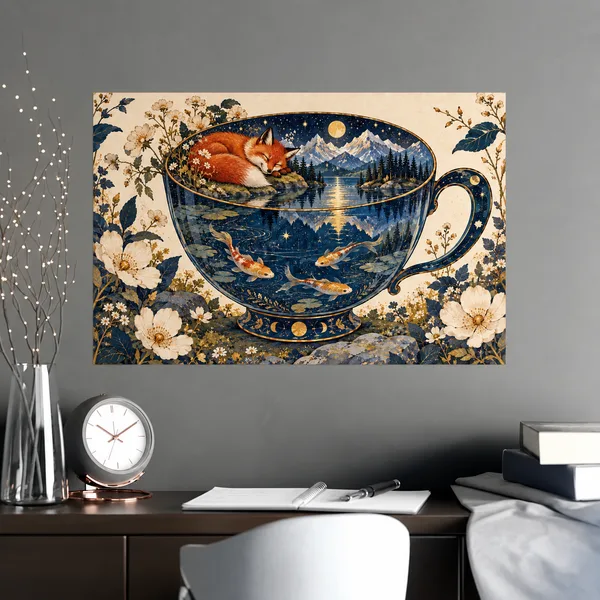
AI upscaling included.
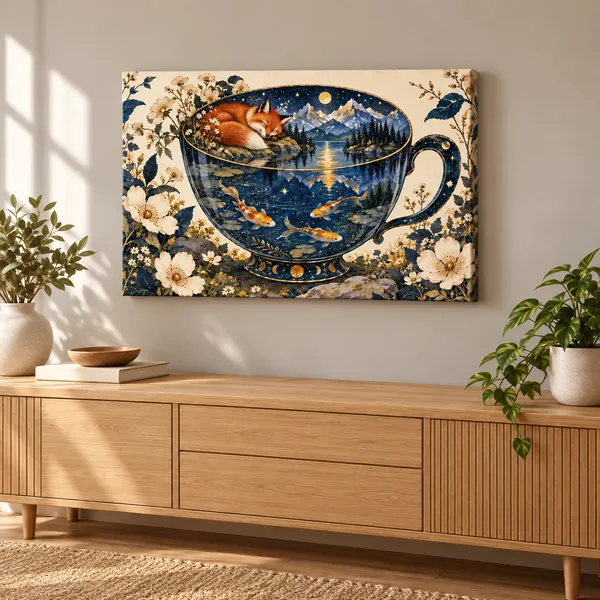
AI upscaling included.
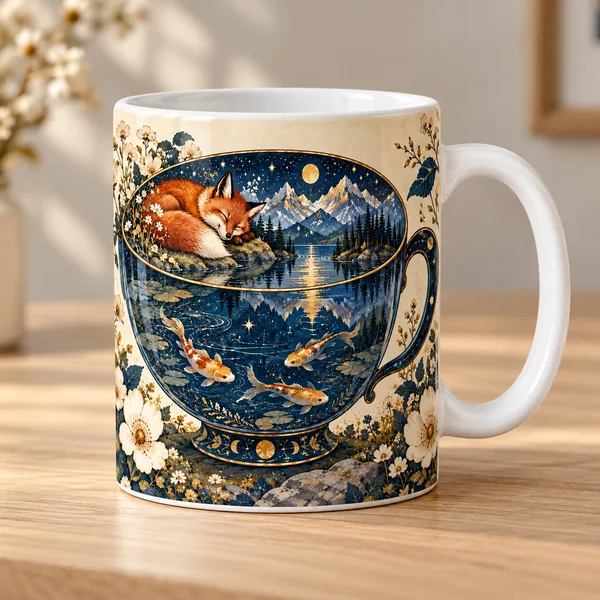
AI upscaling included.
One image, three possibilities. Illustrative personalized product mockups. Choose your product and options, then add your image.
Check the selected size's price and destination shipping before ordering. Product options and print areas differ. You can also make a custom puzzle if exploring the image piece by piece is part of the fun.
Common questions before printing
Should I upload PNG or JPEG?
Keep the original download when possible. PNG is useful for illustrations and clean graphic edges. A high-quality JPEG can work well for photographic images. Converting a compressed JPEG to PNG will not restore lost detail. PrintAIArt also accepts WebP; the upload limit is 10 MB.
Why does the printed image look darker than my screen?
A screen emits light, while a print reflects it. Very bright colors, deep shadows, and glowing effects may reproduce differently on paper, canvas, or ceramic. Check that important details are visible without turning your screen brightness all the way up. A placement preview is not a physical color proof.
Can I print at home instead?
Yes. Open the saved image in an image or photo app, choose the paper size and orientation, and check the print preview for cropping. Use the paper and quality settings recommended for your printer, and make a small test first. An ordinary home printer is suited to paper prints; products such as mugs require a different production process.
Do I need to buy a separate upscaler?
Not for a PrintAIArt order. Automatic AI upscaling is included as part of preparation. Upload the best version you have and review the crop. The service prepares your purchased print; it is not a standalone upscaled-file download.
Make something from the image you already love. Start with a photo poster, select its options, and add your saved image.
About this guide
Published by PrintAIArt, which sells made-to-order image products. Download instructions were checked against OpenAI documentation, resolution guidance against Adobe documentation, and upload formats and limits against the PrintAIArt upload flow. The pixel and crop examples are calculations, not physical print tests.
The new example illustration and header mockup were generated with AI for this guide. They show a creative possibility, not a measured before-and-after upscaling result. Final preparation and fulfillment include operational review. Contact PrintAIArt for questions about a source image or to report a correction.