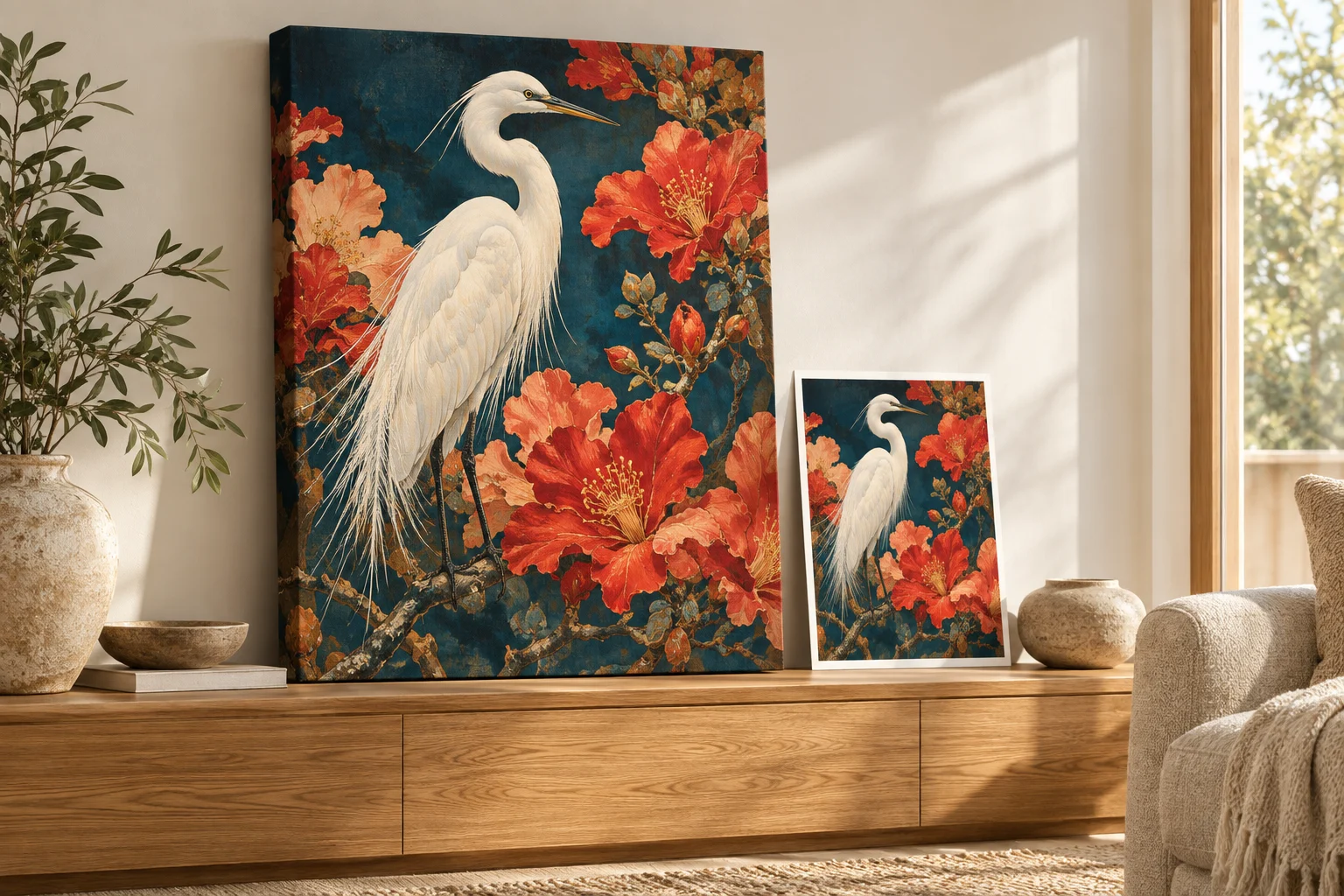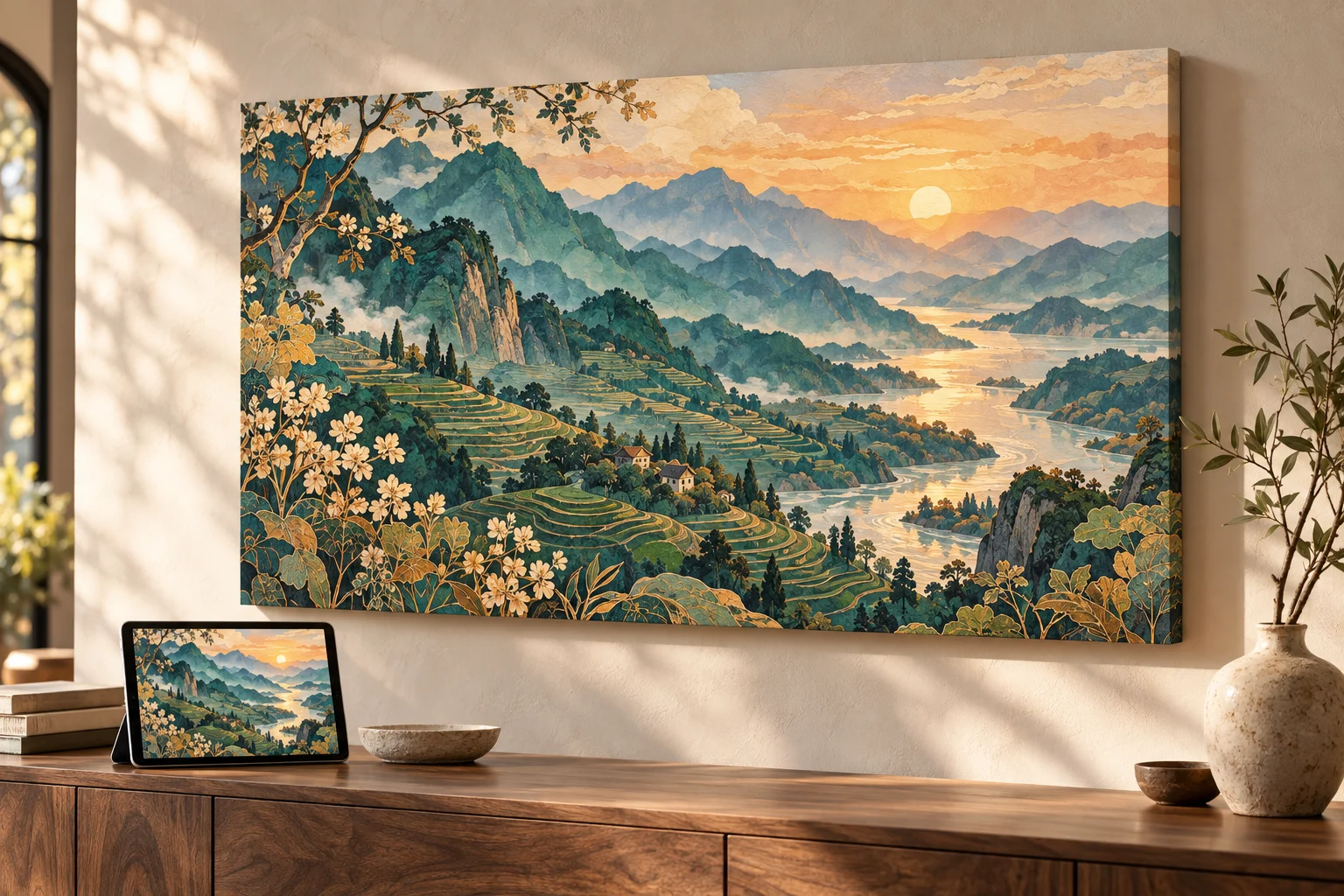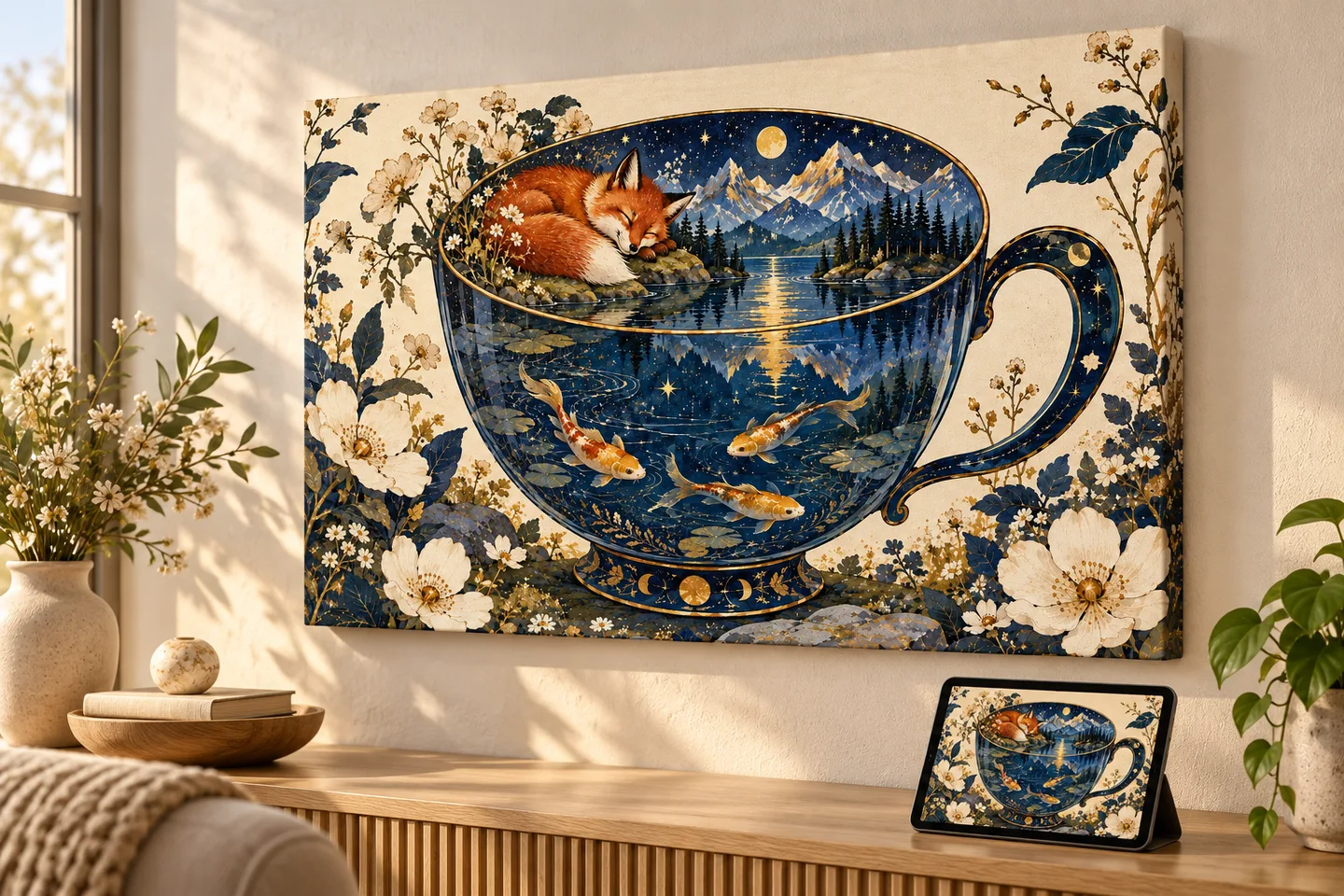
The image you love most is often a strong place to start, but a few practical details determine how naturally it translates from a screen to a physical object. You do not need professional equipment or a perfectly edited file. You simply need to understand what the product will ask of the image.
Start with the strongest available file
Use the original photo or exported artwork whenever possible. Images downloaded from social media, messaging apps, or screenshots may have already been compressed. A larger original gives the preparation process more information to preserve.
A good source image does not have to be enormous. It should be the cleanest and least compressed version you have.
Match the image shape to the product
Orientation is often more important than raw resolution. A portrait photograph naturally suits a portrait canvas or phone case, while a wide landscape fits a horizontal canvas more comfortably.
- Square: balanced portraits, centered subjects, patterns, and abstract artwork.
- Portrait: people, pets, architecture, and vertically composed illustrations.
- Landscape: scenery, groups, panoramas, and wide compositions.
Look at what sits near the edges
Products do not all use the image in the same way. Canvas prints may wrap part of the image around an edge. Mugs use a wide printable area. Phone cases must work around cameras and hardware. Leave breathing room around faces, text, and other details that cannot be cropped.
Favor clear subjects and useful contrast
An image with a recognizable focal point tends to remain visually strong at different sizes. Very dark details can merge together, while very pale details may feel less distinct. This does not mean the image needs aggressive editing. It means the important subject should be easy to identify.
What PrintAIArt handles for you
Automatic upscaling is included, so you do not need to calculate print dimensions or manually enlarge the file. We prepare the image for the selected product while preserving the character of the original.
A simple final check
- Use the original file when available.
- Choose a product orientation that suits the composition.
- Keep important details away from the extreme edges.
- Make sure the main subject is clear.
Once those pieces are in place, the rest of the process should feel straightforward.