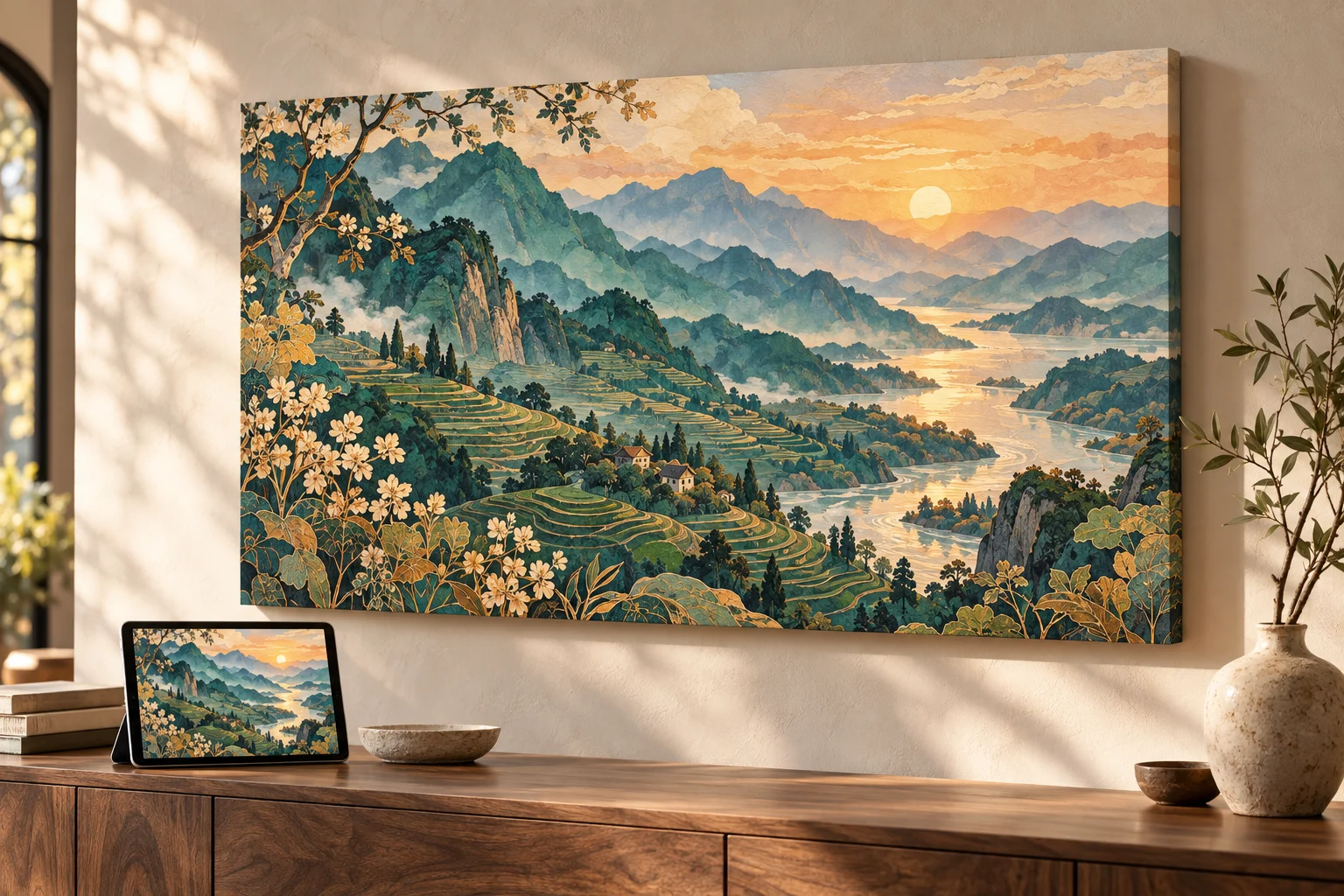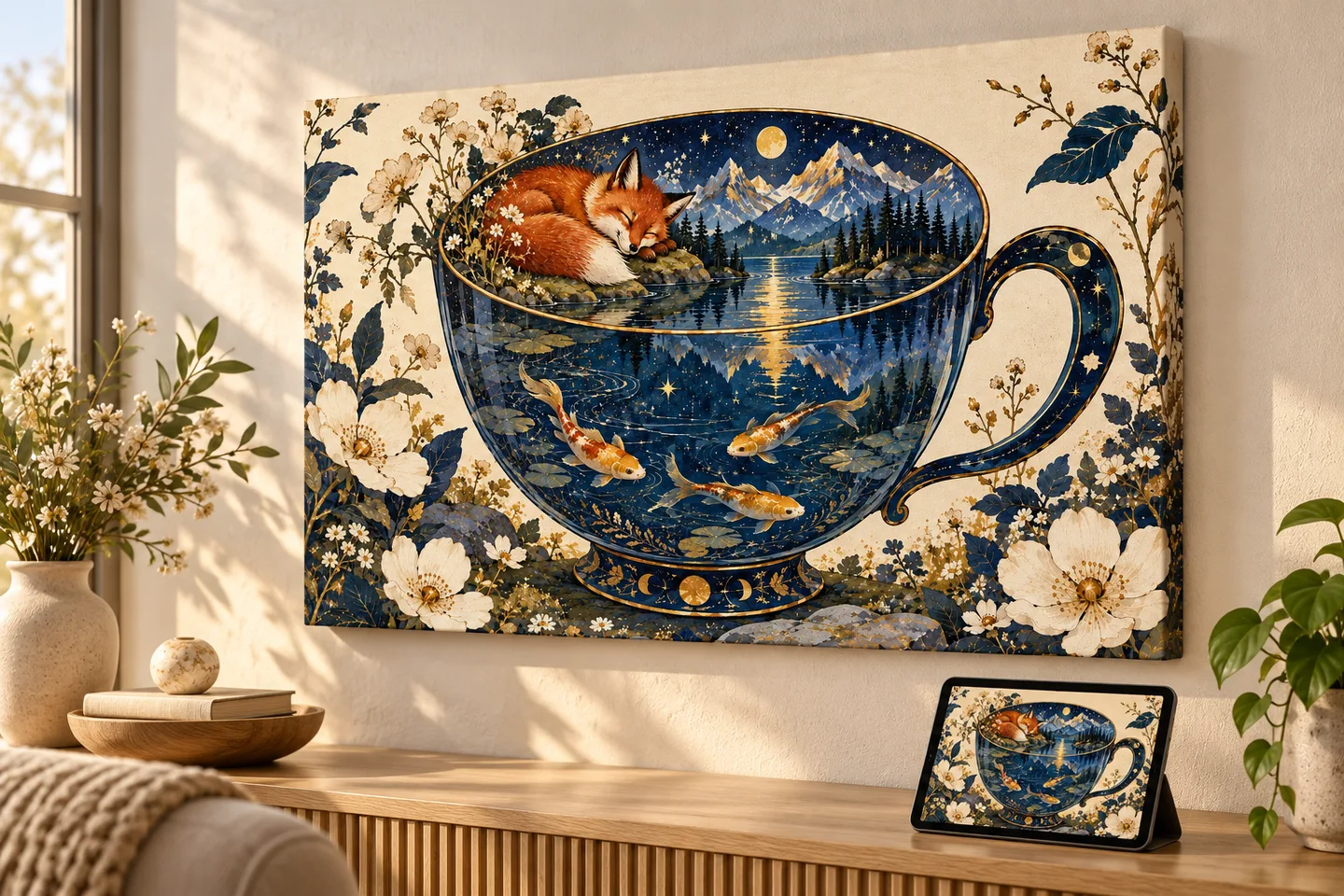
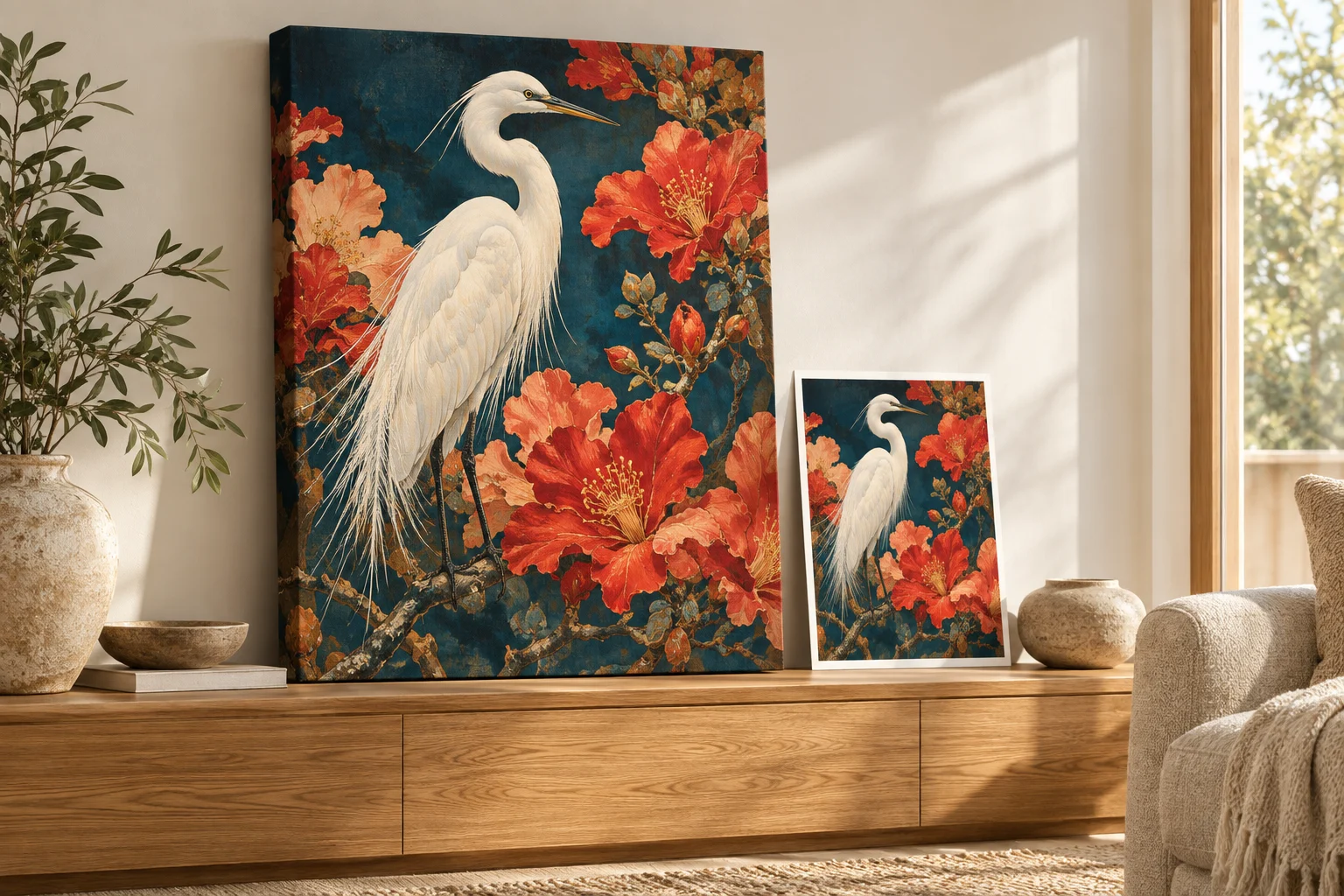
The best resolution depends on the print size, viewing distance, material, and source image. 300 PPI is a common reference for detailed prints viewed close up, while lower densities may suit larger prints seen from farther away. There is no universal number that guarantees quality.
These numbers describe the prepared image, not a requirement that your original download already meets. Included AI upscaling can help a smaller source support a much larger print.
Reference pixel dimensions by print size
| Flat print size | At 150 PPI | At 300 PPI |
|---|---|---|
| 8 × 10 in | 1,200 × 1,500 px | 2,400 × 3,000 px |
| 12 × 18 in | 1,800 × 2,700 px | 3,600 × 5,400 px |
| 16 × 20 in | 2,400 × 3,000 px | 4,800 × 6,000 px |
| 24 × 36 in | 3,600 × 5,400 px | 7,200 × 10,800 px |
Multiply each dimension in inches by the target PPI. These are examples before bleed, cropping, or canvas wrap, not a list of available product sizes. Check the selected product's options and placement preview.
My original is smaller than the table. Can I still print it?
Automatic AI upscaling is included with every order. Upload your best original. We prepare it for the selected product and print area, so you do not need to buy an upscaler or manually enlarge the file. AI upscaling can support much larger prints and improve apparent sharpness and detail. Severe blur, missing information, or incorrect generated text still need attention.
For example, a 2,048 × 2,048-pixel image enlarged 4× becomes 8,192 × 8,192 pixels. At 300 PPI, that maps to about 27.3 inches square before cropping. This is a numerical example, not a guarantee about a particular source or a setting used for every order.
A clean illustration with clear edges can respond differently from a compressed screenshot containing tiny faces. Judge the important details, not only the file dimensions.
Choose the shape before calculating the pixels
A large square file still needs cropping to fill a tall portrait or wide landscape. Upscaling changes resolution, not the composition you lose at the edge.
For an 8 × 10 portrait, a square source cropped to fill keeps about 80% of its width. For a 2:1 landscape area it keeps half its height. If the subject falls outside that crop, choose a better-fitting shape or revise the image with more background.
How to choose a practical print size
- Measure the space. Use paper to visualize the size on the wall or desk.
- Choose a compatible shape. Keep faces and lettering in the visible area.
- Consider viewing distance. A close-up keepsake and a wall piece across a room are different uses.
- Inspect the source. Look for unclear faces, broken text, compression, and unintended blur.
- Review the chosen product. The actual print area can include allowances beyond the flat finished dimensions.
Illustrative product images from our catalog. Choose a product, then add your own image.
Questions about print resolution
Is a file marked 72 DPI unusable?
No. Check its pixel dimensions and the intended print size. The metadata label alone does not determine whether it can make a good print.
Should I change my file to 300 DPI before uploading?
Not for a PrintAIArt order. Upload your best original and review placement. We handle the enlargement and preparation.
Is a bigger file always better?
More useful detail can help, but multiplying pixels does not automatically improve a poor source. Avoid unnecessary conversions and repeated lossy saves.
What is the difference between DPI and PPI?
PPI connects image pixels to print inches; DPI describes printer dots. Our resolution explainer covers the distinction and the arithmetic, with a link to Adobe's documentation.
For saving and uploading a file, use the print-ready checklist. Choose a product and upload your best original to get started.
About this guide
Prepared by PrintAIArt, a seller of personalized printed products. Product options and upload requirements were checked against the current catalog and ordering flow on September 30, 2026. Product scenes are illustrative mockups, not evidence of a physical print test. Final preparation and fulfillment include operational review. Contact us about your image or a correction.