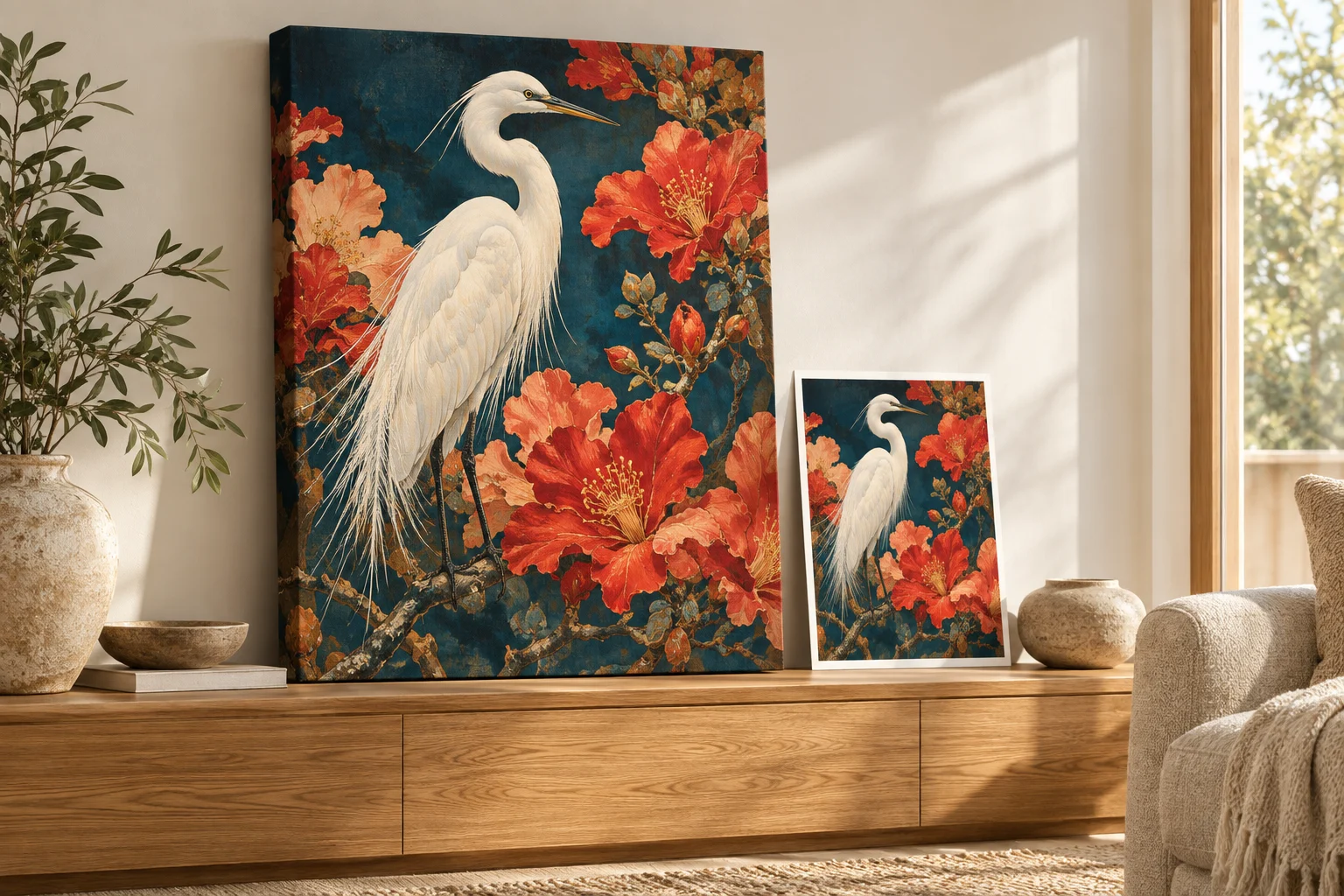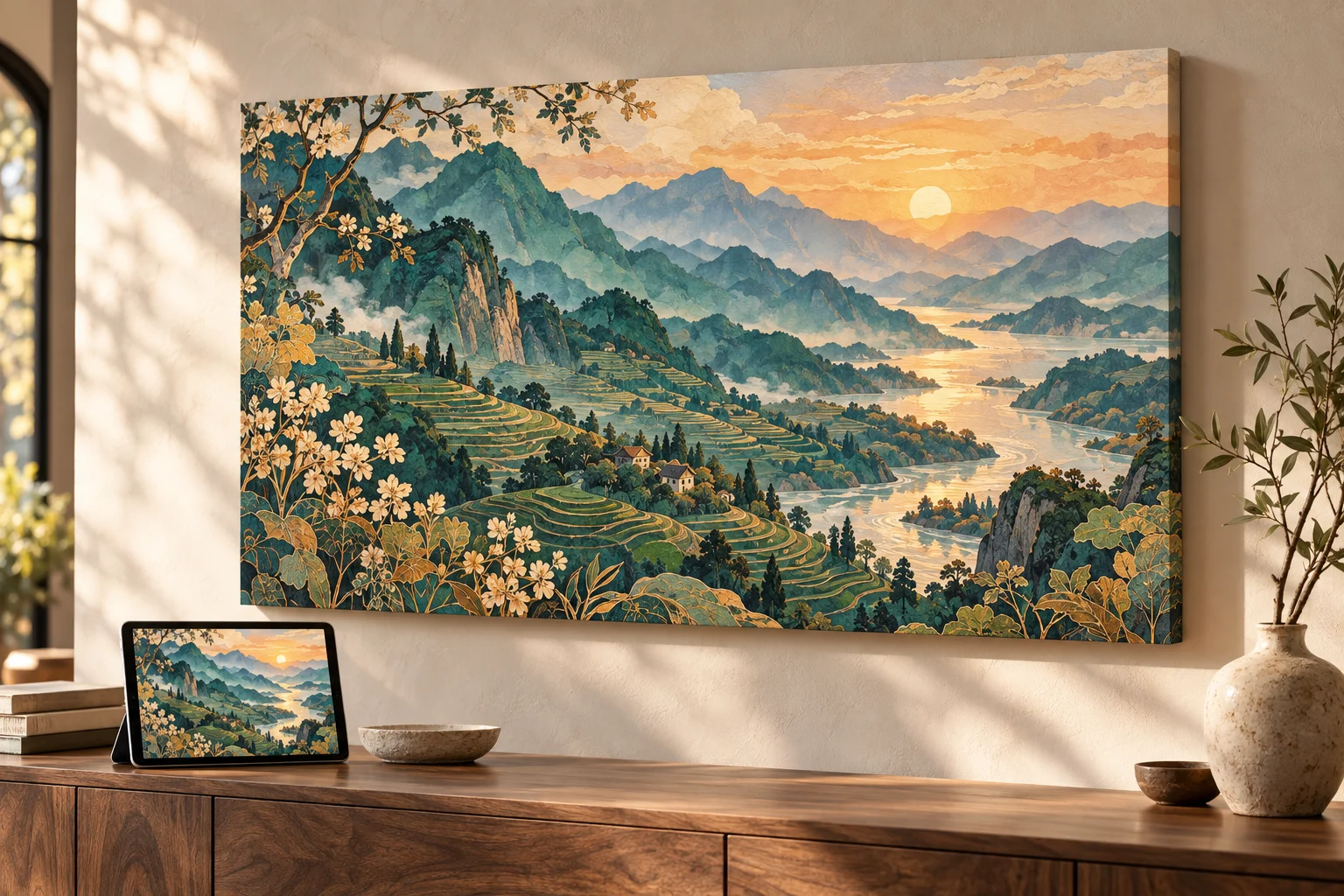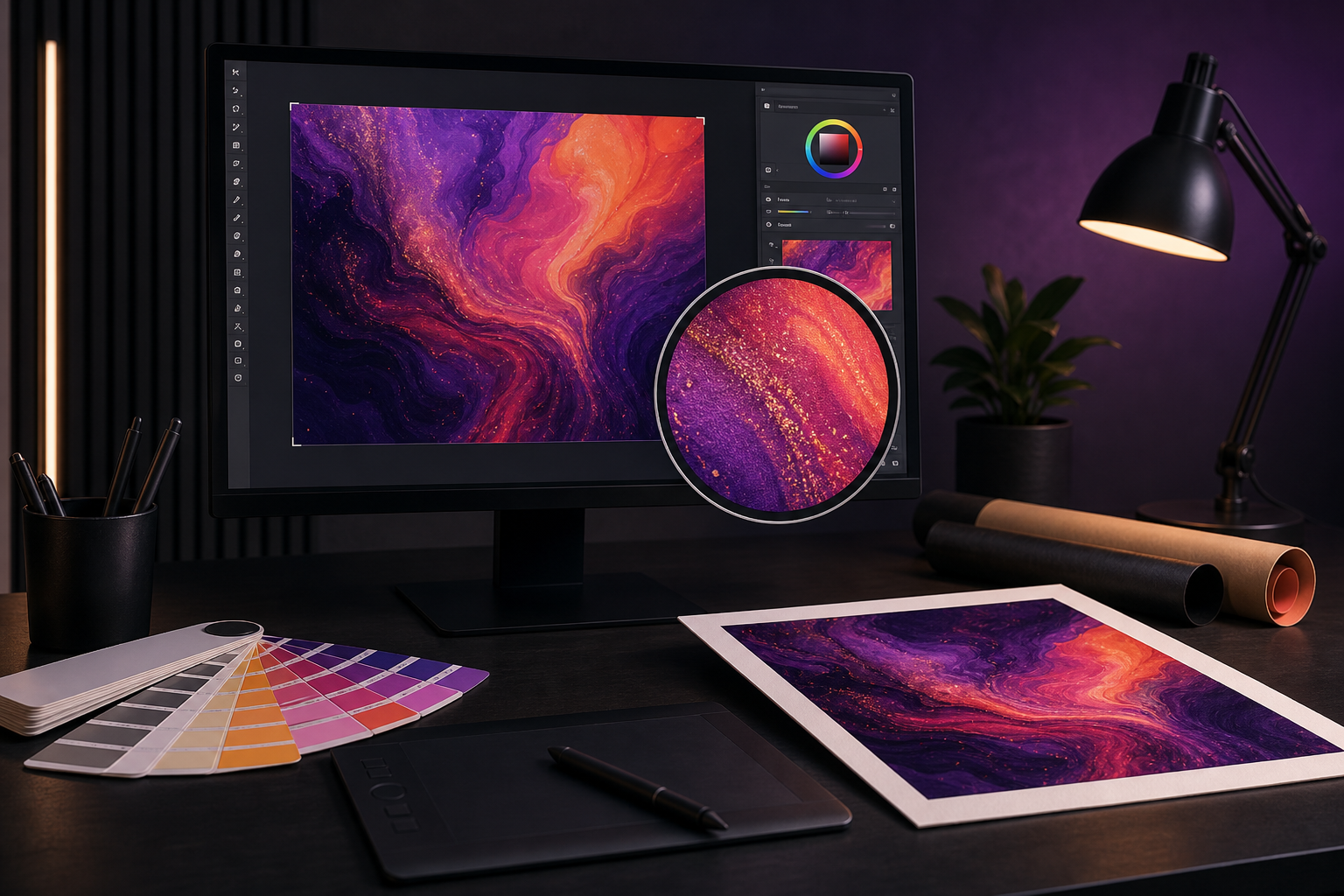
Midjourney images can look excellent in print, but the result depends on how far the original file is enlarged and how well its composition fits the product. Pixelation is not caused by Midjourney itself. It appears when a limited amount of image information is stretched too far.
Download the best version you created
Use the final image downloaded directly from Midjourney. Do not use a screenshot of the grid, a social-media copy, or a thumbnail from your browser history. If you created several variations, choose the one with the cleanest edges and most coherent fine detail.
Why images become pixelated
Every raster image is made of pixels. When a file is printed larger, each source pixel must cover more physical space. At some point the image can begin to look blocky or soft, especially when viewed closely.
Viewing distance changes what is acceptable. A large wall canvas is usually seen from several feet away, while a phone case is examined close to the eye. Product texture matters too: canvas naturally softens microscopic detail, while a smooth glossy surface reveals it more readily.
Use automatic upscaling once
PrintAIArt automatically upscales the uploaded image during preparation. This creates a higher-resolution working file and helps preserve edges, texture, and clarity. Upload your strongest original instead of passing it through several resize websites first.
One deliberate upscale from the best source is preferable to repeatedly enlarging and recompressing the same image.
Choose products that suit the composition
- Wide scenes: landscape canvas, desk mats, and panoramic formats.
- Centered square artwork: square canvas, puzzles, and compact products.
- Vertical portraits: portrait wall art, cases, and tall prints.
- Patterns and graphic designs: mugs and products with wraparound print areas.
Inspect common Midjourney trouble spots
Before ordering, view the original at full size. Examine faces, fingers, small text, repeating architectural elements, borders, and symmetrical objects. A high-resolution version of an image will still contain the visual mistakes present in the original.
Do not chase a single universal DPI number
DPI is useful in production, but it is not a simple pass-or-fail score for an uploaded image. The same file may be appropriate for one product and too ambitious for another. Artwork style, surface texture, physical dimensions, and viewing distance all affect the result.
A reliable workflow
- Download the final Midjourney image.
- Inspect it at full size for generation errors.
- Choose a product with a compatible shape.
- Keep important details clear of edges and hardware.
- Upload the original and allow automatic upscaling to prepare it.
You do not need to become a prepress technician to print Midjourney art. Start with the right file and make a realistic product choice; the remaining enlargement can happen automatically.