
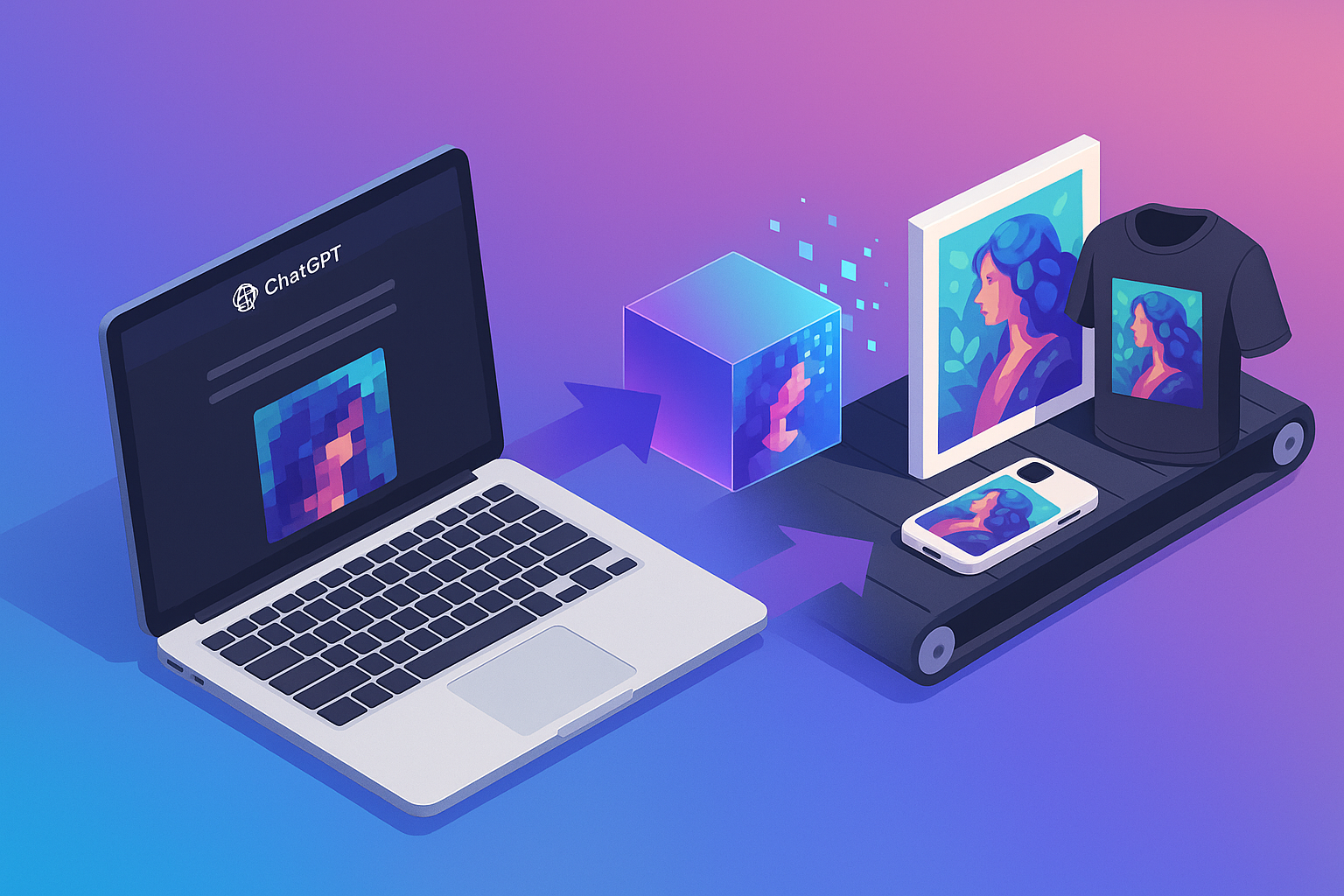
Can You Print ChatGPT Images? Best Size, Resolution, and Quality Tips
If you are wondering, can you print ChatGPT images? The short answer is yes.
You can absolutely print images made with ChatGPT, but good results depend on one simple thing: whether the file has enough image data for the product size you want to print.
A ChatGPT image may look sharp on your phone or laptop and still come out soft, blurry, or under-detailed in print if you choose a size that is too large for the original file. That is why it helps to check the image dimensions first, understand what resolution actually means, and know when upscaling is worth trying.
If you want to print ChatGPT images without losing quality, this guide will help you make a practical decision before you upload anything.
Quick answer: can you print ChatGPT images?
Yes, you can print ChatGPT images.
If you downloaded an image generated in ChatGPT, you can use it for posters, framed prints, canvas prints, and other wall art products as long as the file is suitable for the print size. The important factors are:
- pixel dimensions of the image
- final print size
- whether the image has been cropped or stretched
- whether upscaling is needed before printing
So if you are asking can you print from ChatGPT, the answer is yes. The better question is: is your specific image large enough for the product you want?
What image size is good enough for print?
When people ask about ChatGPT image size, they are usually trying to figure out whether the image is big enough for a certain print.
The most useful number to check is the image’s pixel dimensions, such as:
- 1024 × 1024
- 2048 × 2048
- 3072 × 3072
In general, larger pixel dimensions give you more flexibility for printing.
Here is a simple way to think about it:
- Small prints need less image data
- Large prints need more image data
- Square images fit some products easily, but may need cropping for others
- Wide or tall products may require trimming part of the image if the aspect ratio does not match
A practical rule of thumb
For many print products, you want enough pixels that the file still holds detail at the final size. A file that works for an 8×10 print may not look nearly as clean at 16×20 or larger.
That means:
- a modest-size file may be fine for a small desk print
- the same file may look soft on a large wall print
- cropping reduces usable image area, which can also reduce print quality
Common product-size thinking
Without overcomplicating it, here is the practical mindset:
- Small prints: easier to get good results from standard AI image files
- Medium prints: often possible, but more dependent on the original dimensions
- Large statement prints: may require a stronger source file or careful upscaling
If you are unsure, compare your file dimensions to the print size you want before ordering. That one step prevents most quality disappointments.
For a deeper breakdown of print resolution and sizing, see AI Image Resolution 101.
Resolution, DPI, and what actually matters
This is where people often get confused.
You may have heard that prints need “300 DPI.” That guideline can be useful, but the bigger issue is still the same: how many pixels your image actually contains.
What matters most
For print quality, the main factors are:
- the image’s pixel dimensions
- the physical size you want to print it at
- how closely the final product will be viewed
DPI or PPI settings can be helpful for print workflows, but they do not magically create detail that is not already in the file. If the original image is too small, changing a number in export settings will not suddenly make it suitable for a much larger print.
Screen quality is not print quality
A common mistake is assuming that because the image looks crisp on a screen, it will print crisply too.
Screens display light and usually show images much smaller than a full print product. That can hide softness, missing detail, or artifacts that become more obvious once the image is printed larger.
So if you want to print ChatGPT images without losing quality, do not judge the file only by how it looks on your phone.
When to upscale a ChatGPT image
Upscaling can help, but it is not magic.
If your original ChatGPT image is close to being large enough, upscaling may help prepare it for a bigger print by increasing dimensions and smoothing some roughness. This is especially useful when:
- you want to move from a smaller print to a somewhat larger one
- the original image looks good but is just short on dimensions
- the print lab or product page recommends a larger file size
When upscaling helps
Upscaling is most useful when the original image already has:
- decent clarity
- clean edges
- enough detail to work from
- minimal compression or distortion
In that situation, enlarging the file can improve print readiness.
When upscaling does not fully solve the problem
If the original file is very small, blurry, heavily compressed, or missing important detail, upscaling can only do so much. It may make the file larger, but it cannot fully invent the kind of clean detail a strong print file would have had from the start.
So if you are asking can ChatGPT enhance image quality, the honest answer is: it can help in some workflows, but it cannot fully rescue a weak source image.
That is the key expectation to set with readers. Upscaling is a useful tool, not a guaranteed fix.
Common print mistakes to avoid
If a ChatGPT image prints poorly, it is usually because of a few avoidable issues.
1. Choosing a print size that is too large for the file
This is the most common problem. The image may be fine for a smaller print but not for a larger poster or canvas.
Before ordering, check whether the pixel dimensions match the product size you want.
2. Assuming the image is print-ready because it looks good on screen
As mentioned above, screens can make almost any image look better than it will in print. Always think about final physical size, not just display appearance.
3. Stretching the image to fit a product
If you drag the corners or force an image into a different shape, you can distort the artwork and reduce quality. It is better to resize proportionally or choose a product format that suits the original aspect ratio.
4. Cropping without checking what gets lost
Cropping is often necessary, but aggressive cropping removes pixels. That can affect both composition and print quality, especially if you were already near the minimum usable size.
5. Ordering before checking the product preview
If the print platform shows warnings, odd cropping, or a low-resolution preview, stop and review the file before placing the order.
Checklist before uploading your image
Use this checklist before you print from ChatGPT:
- Confirm the image dimensions in pixels
- Choose the print size first, then check whether the file suits it
- Make sure the aspect ratio fits the product or frame you want
- Avoid stretching the image to force a fit
- Crop carefully so you do not remove too much usable image area
- Consider upscaling if the file is close but not quite large enough
- Review the print preview for softness, awkward cropping, or warning messages
- Use a smaller print size if the file looks borderline
If you follow those steps, you will avoid most of the reasons AI-generated art ends up looking disappointing in print.
Final answer: can you print ChatGPT images without losing quality?
Yes, you can print ChatGPT images, and many of them print very well.
The trick is not whether the image came from ChatGPT. The trick is whether the file size and quality match the product you want to order.
If the image dimensions are strong enough for your chosen print size, you can get a clean result. If the file is too small, you may need to upscale it carefully or choose a smaller print format instead.
So if you have been asking:
- can you print chatgpt images
- can you print from chatgpt
- what ChatGPT image size is good enough
- can ChatGPT enhance image quality
the practical answer is this: yes, printing is possible, but the file still has to be a good fit for the final product.
Ready to print your image?
If your file looks good, the dimensions check out, and the crop works for your chosen product, you are ready for the next step.
You can print your AI image here and turn your ChatGPT artwork into a physical print once you know the file is ready.
FAQ
Can you print ChatGPT images?
Yes. ChatGPT images can be printed if the file dimensions are suitable for the print size you want.
Can you print from ChatGPT directly?
You can download the generated image from ChatGPT and then upload it to a print service or print product page.
What ChatGPT image size is best for print?
It depends on the final product size. Larger pixel dimensions give you more flexibility, while small files are better suited to smaller prints.
Can ChatGPT enhance image quality?
It may help in some workflows, especially with upscaling or regeneration, but it cannot fully recover detail that was never in the original file.
How do I avoid blurry ChatGPT prints?
Check the pixel dimensions, match the file to the product size, avoid stretching or excessive cropping, and upscale only when it makes sense.
One Comment