
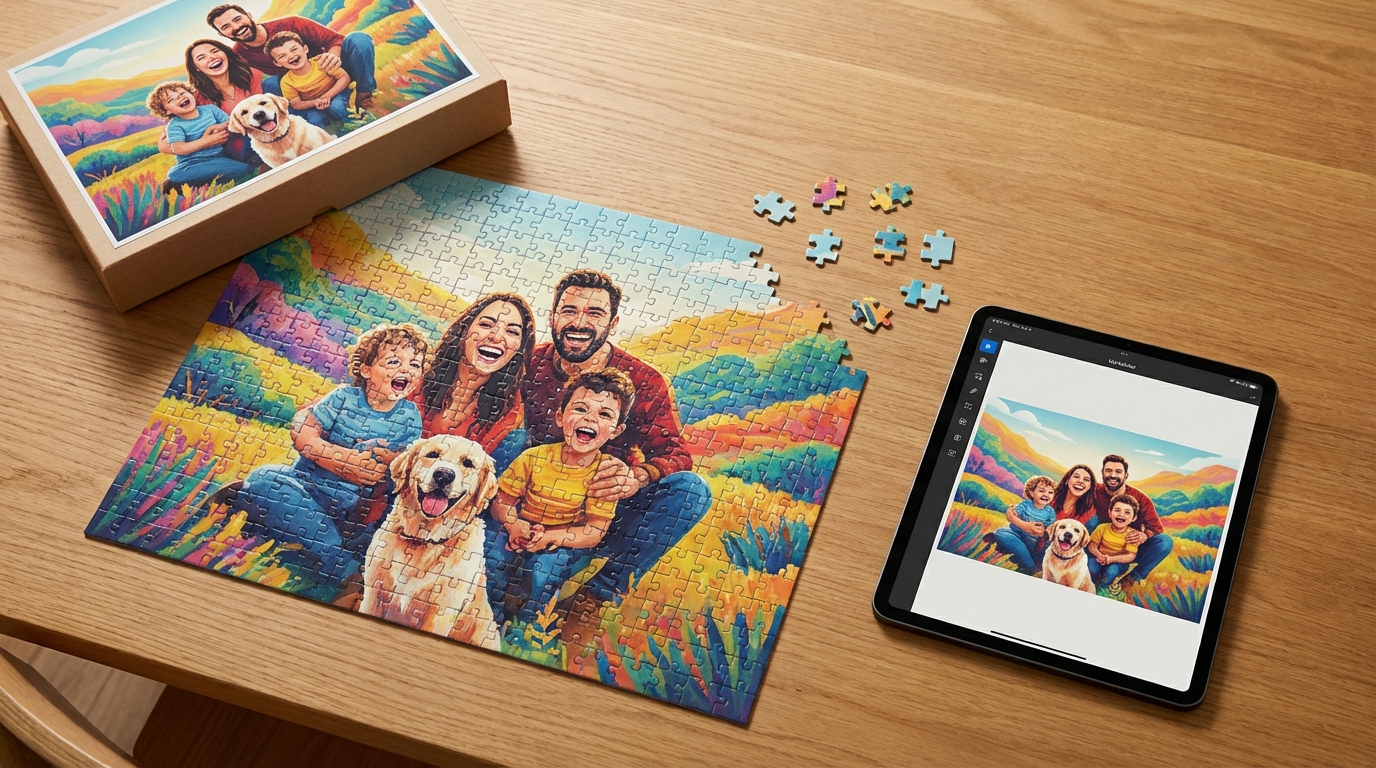
Custom Photo Puzzle: How to Turn Any Picture Into a Personalized Puzzle
Yes, you can turn almost any good-quality image into a custom photo puzzle, including family photos, pet portraits, artwork, and even AI-generated images. The key is choosing an image that looks clear, crops well, and has enough detail to stay fun once it becomes a puzzle.
If you already have a picture in mind, a personalized puzzle is one of the easiest ways to turn it into a gift or keepsake. You upload the image, preview how it will look, customize the final design, and order a finished puzzle made from your photo or artwork.
What is a custom photo puzzle?
A custom photo puzzle is a puzzle printed with your chosen image instead of a standard stock design. Depending on the product, you may be able to use personal photos, family portraits, wedding images, pet photos, kids’ artwork, digital illustrations, and AI-generated art.
That makes a custom jigsaw puzzle a strong fit for both gifts and personal keepsakes. Instead of buying a generic design, you get a puzzle built around an image that means something to the recipient.
How to choose the best image for a personalized puzzle
If your goal is to create a personalized puzzle that looks good and is enjoyable to assemble, image selection matters more than almost anything else.
- Look for clarity first: a crisp image usually beats a sentimental image that is blurry.
- Favor detail and variation: scenic shots, travel photos, family scenes, and colorful artwork give the eye more landmarks.
- Watch the crop: keep faces, hands, text, and focal objects away from the outer edge.
- Consider orientation: choose an image that fits the puzzle shape without awkward trimming.
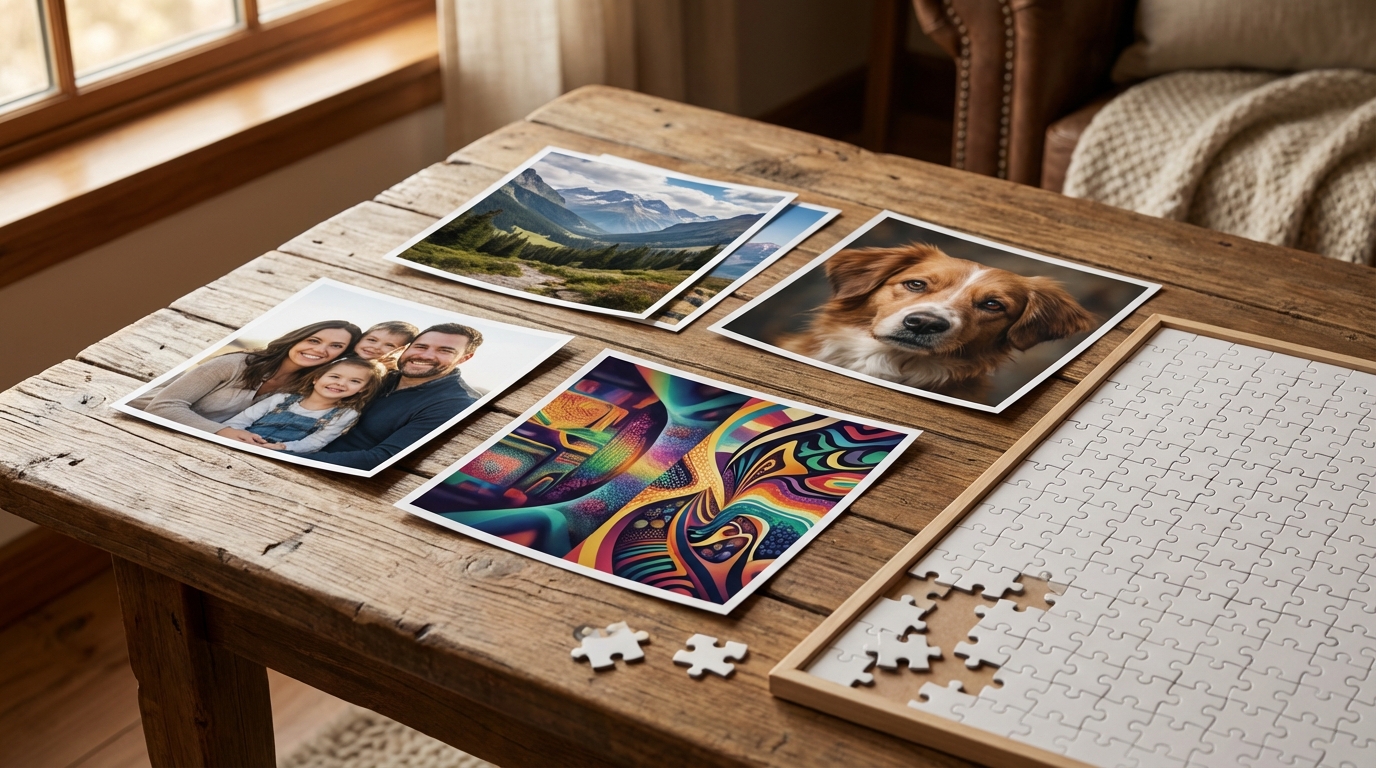
Can you make a puzzle from any picture?
In most cases, yes. You can make a puzzle from a picture as long as the image is clear enough to print and works well within the puzzle’s shape.
A photo puzzle usually turns out best when the image is sharp, well lit, not too tightly cropped, and detailed enough to stay interesting section by section. Very dark, low-resolution, or heavily compressed images can still be uploadable, but they may not print as cleanly.
Good custom puzzle images usually have:
- clear faces or focal points
- room around the edges for safe cropping
- contrast and texture
- enough detail to make assembly interesting
What image size or resolution do you need?
This is one of the most common buyer questions, and the short answer is simple: use the highest-quality version of your image that you have.
For a custom photo puzzle, higher resolution generally means cleaner detail, smoother printed edges, less visible pixelation, and a more polished final product.
If you are using a phone photo, the original file is usually better than a screenshot, social media download, or image forwarded through multiple apps. Each extra save or share can reduce quality.
Can you use AI-generated art for a custom puzzle?
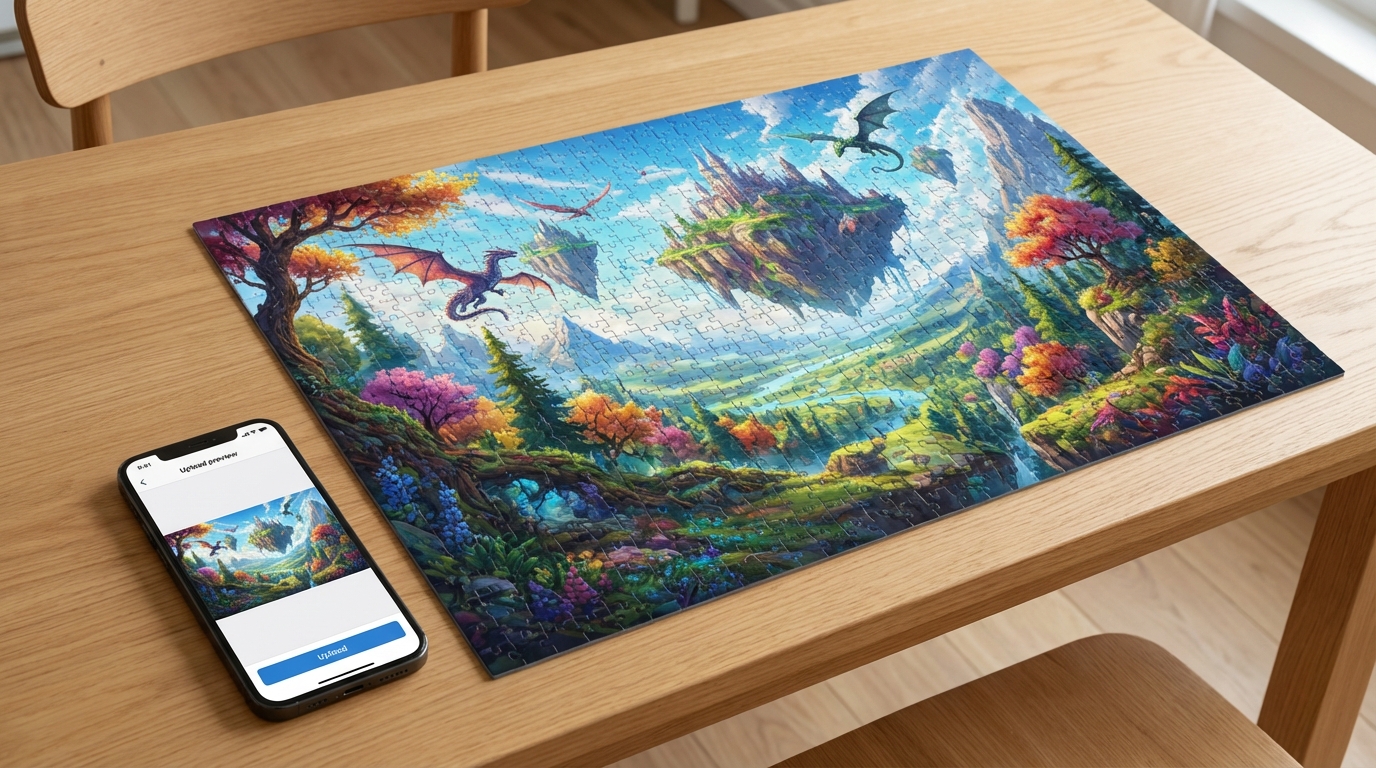
Yes. In many cases, AI-generated art can work very well for a custom photo puzzle.
That is especially useful if you want to create a gift from an idea rather than an existing photograph. Fantasy family portraits, stylized pet illustrations, dreamy travel scenes, holiday artwork, and colorful abstract designs can all translate well into puzzle form.
When deciding whether you can make a puzzle from an AI image, check three things:
- Sharpness: does the image look clean up close?
- Composition: will the important elements survive cropping?
- Detail: does the artwork have enough variation to make the puzzle engaging?
If you want to compare puzzle formats with other products, you can also explore AI art printing options.
How to turn a picture into a puzzle step by step
Start with the best-quality version of your photo, artwork, or AI image.
Use the product page or upload flow and check the first preview carefully.
Make sure faces, edges, and important details are not being trimmed awkwardly.
Pick size, piece count, and any gift-ready options if they are available.
Zoom in one last time before checkout so nothing soft or clipped slips through.
Once the preview looks right, complete checkout and move into production.
When a photo puzzle makes the best gift
A photo puzzle gift works especially well when you want something personal, interactive, and easy to share during the experience of opening it.
Good occasions include birthdays, anniversaries, Mother’s Day, Father’s Day, holiday gifting, family reunions, memorial keepsakes, pet-lover gifts, and gifts for grandparents.
A custom photo puzzle can feel more thoughtful than a standard personalized item because the gift includes both the image and the activity.
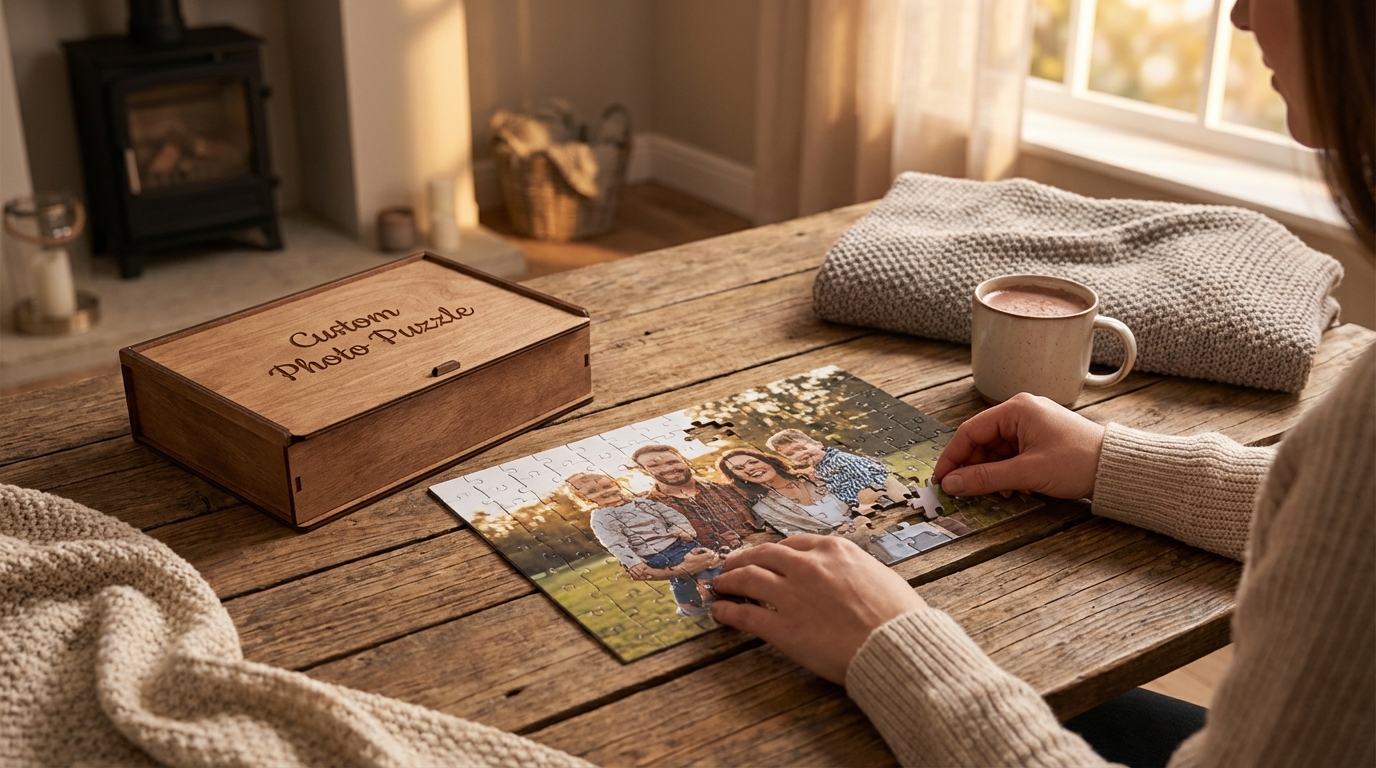
Photo puzzle vs canvas vs mug: which custom product should you choose?
Best when you want an interactive gift or shared experience.
Best when you want wall-ready home decor and a display-first product.
Best when you want a practical item people can use every day.
Common mistakes to avoid before ordering
- uploading a blurry or compressed image
- choosing a photo with important faces too close to the edge
- ignoring the crop preview
- using a dark image with limited contrast
- relying on a screenshot instead of the original file
- forgetting to check whether the puzzle format matches the image orientation
A few quick checks can make the difference between a gift that feels polished and one that feels disappointing.
Create your custom photo puzzle
If you already have a photo, artwork, or AI-generated image ready, the next step is simple. Upload the file, preview the layout, and turn it into a personalized puzzle that feels unique to you or the person receiving it.
Start creating your custom puzzle
If you are still comparing gift ideas, you can also explore AI art printing and other personalized print products on the site.
FAQ
Can I make a puzzle from a picture on my phone?
Yes, as long as the image is clear enough and you use the original file rather than a compressed screenshot or tiny preview.
What size photo is best for a custom puzzle?
The best option is the highest-quality version of your image. A sharper, larger file usually produces a better printed result.
Can I use AI-generated art for a personalized puzzle?
Yes. AI-generated art can work well if it is exported at good quality and the composition fits the puzzle format.
Will a blurry photo still work for a photo puzzle?
It may still upload, but it usually will not look as clean when printed. A sharp original image gives the best result.
Is a custom puzzle a good gift idea?
Yes. It combines personalization with an interactive experience, which makes it a strong option for birthdays, holidays, anniversaries, and family gifts.